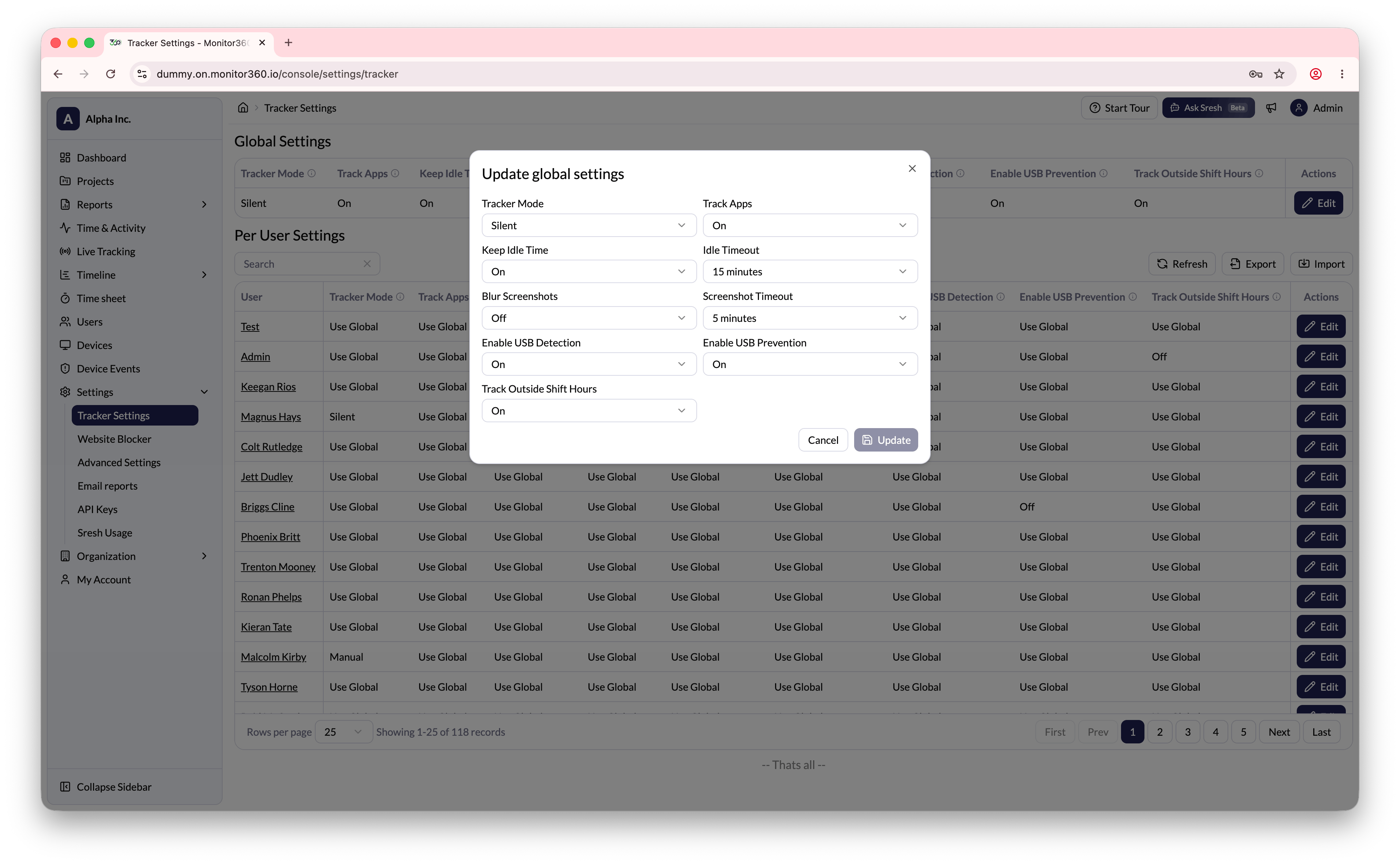
Steps to update settings
- Go to Administration → Tracker Settings → Tracking Options → User Specific
- Click Edit next to a user to open their tracker settings
- For each setting, choose Use Global or set a custom value
- Click Update to save changes or Cancel to discard