Account Management
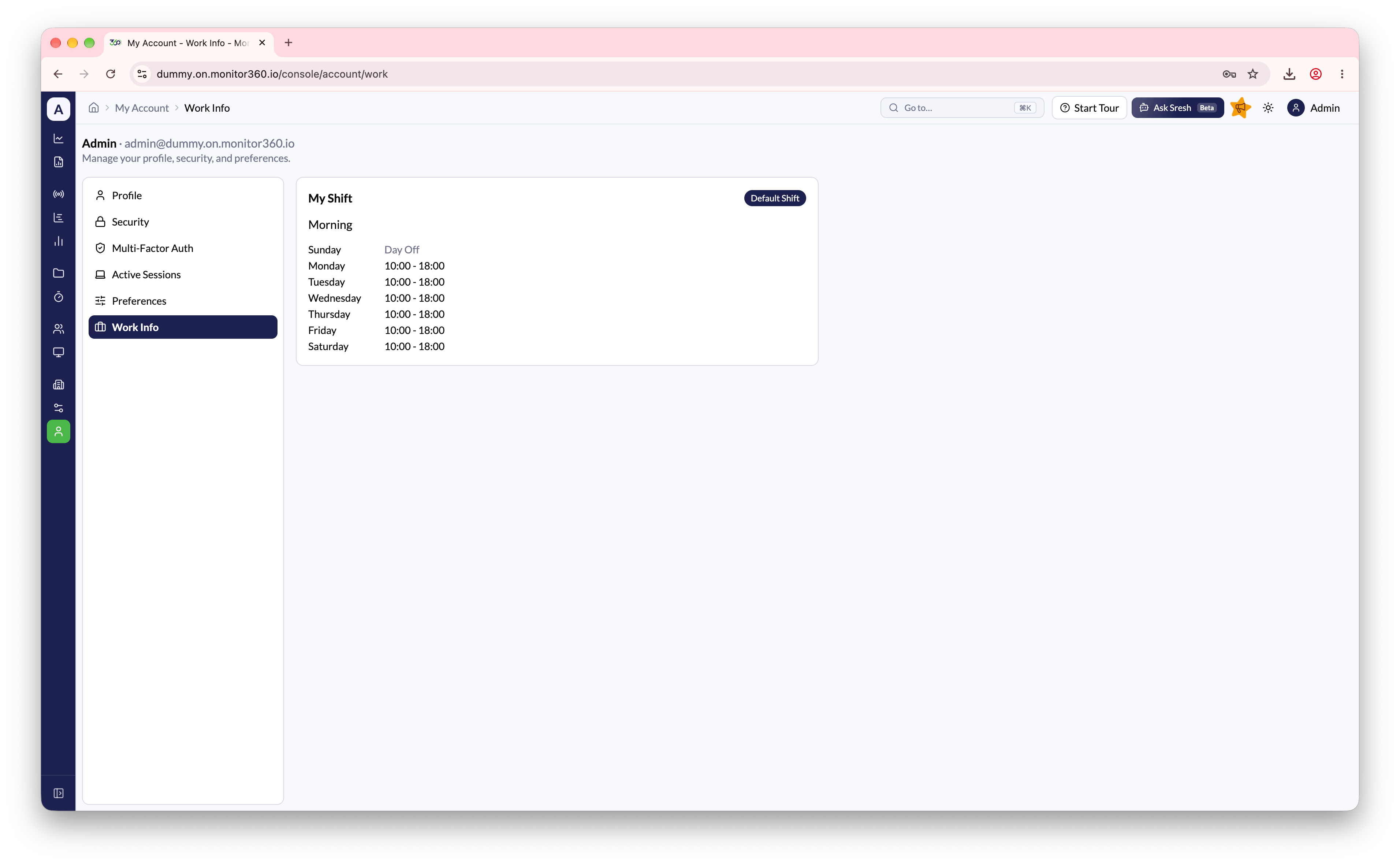
Open My Account from Configuration → My Account in the sidebar, or by clicking your name in the profile menu. The page is organized into six sections, accessible from the side menu:Profile
View your account details (name and email). Click Edit to update your display name. Your email address cannot be changed here.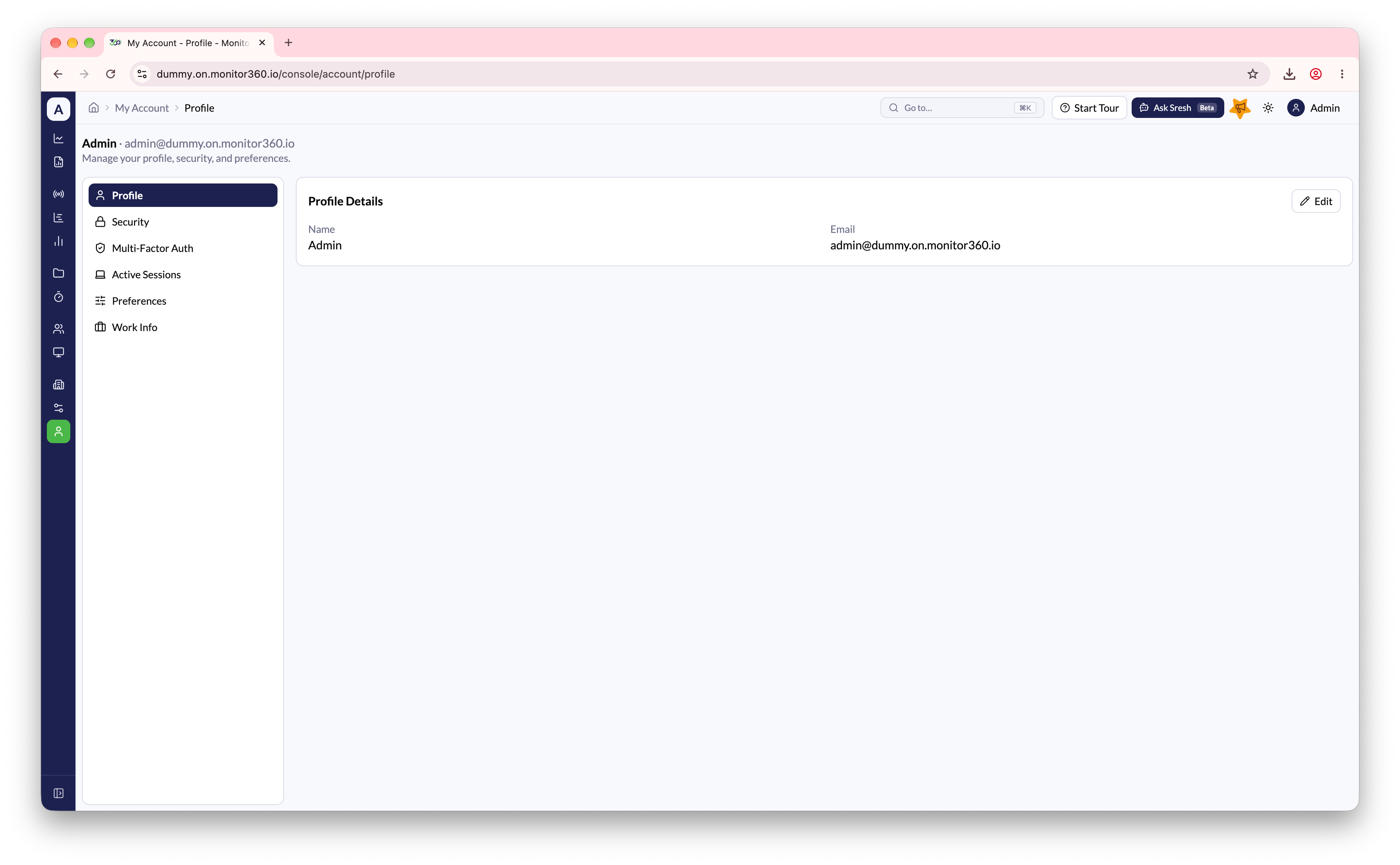
Security
Update your password by entering your current password, a new password, and confirming it.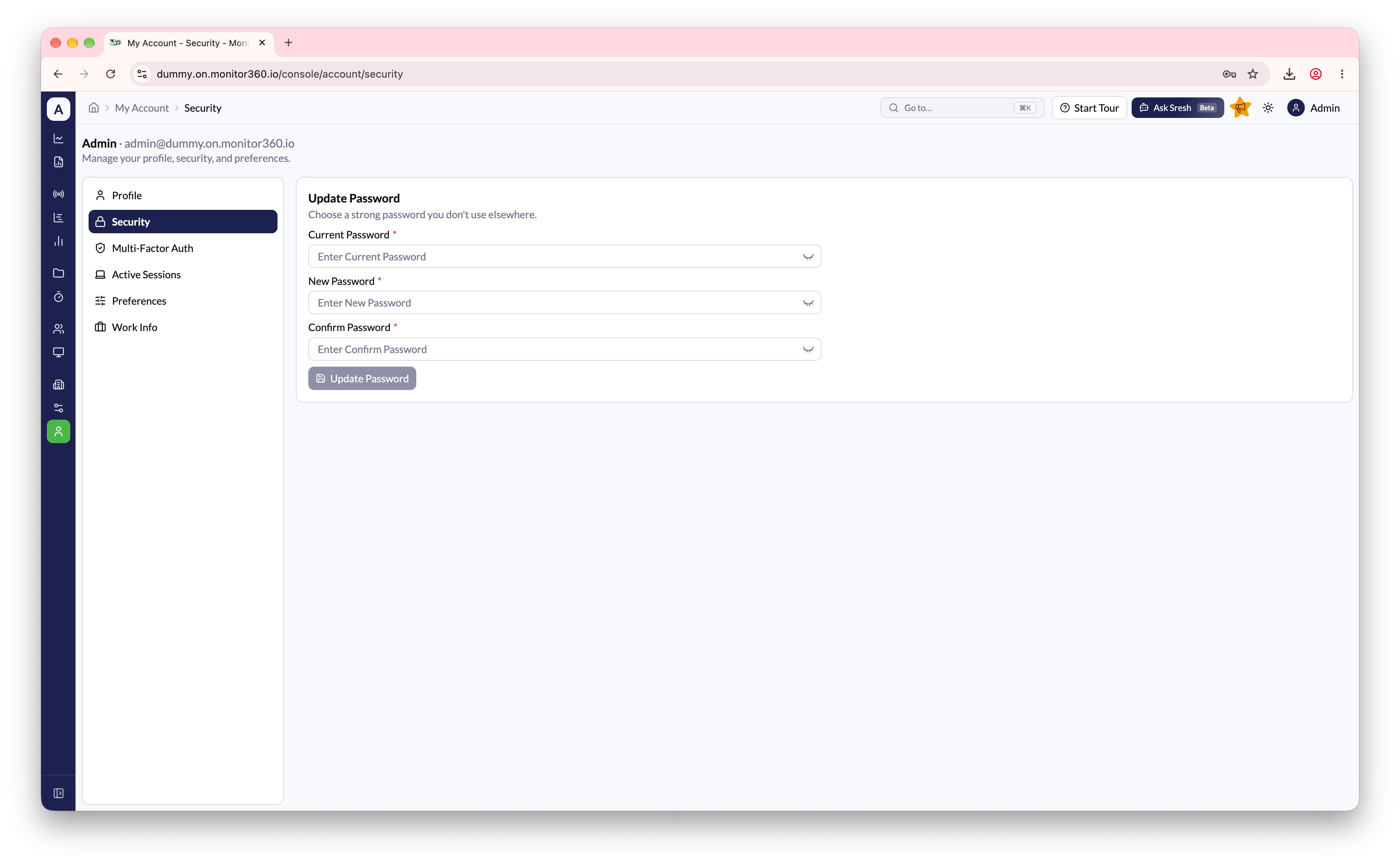
Multi-Factor Auth
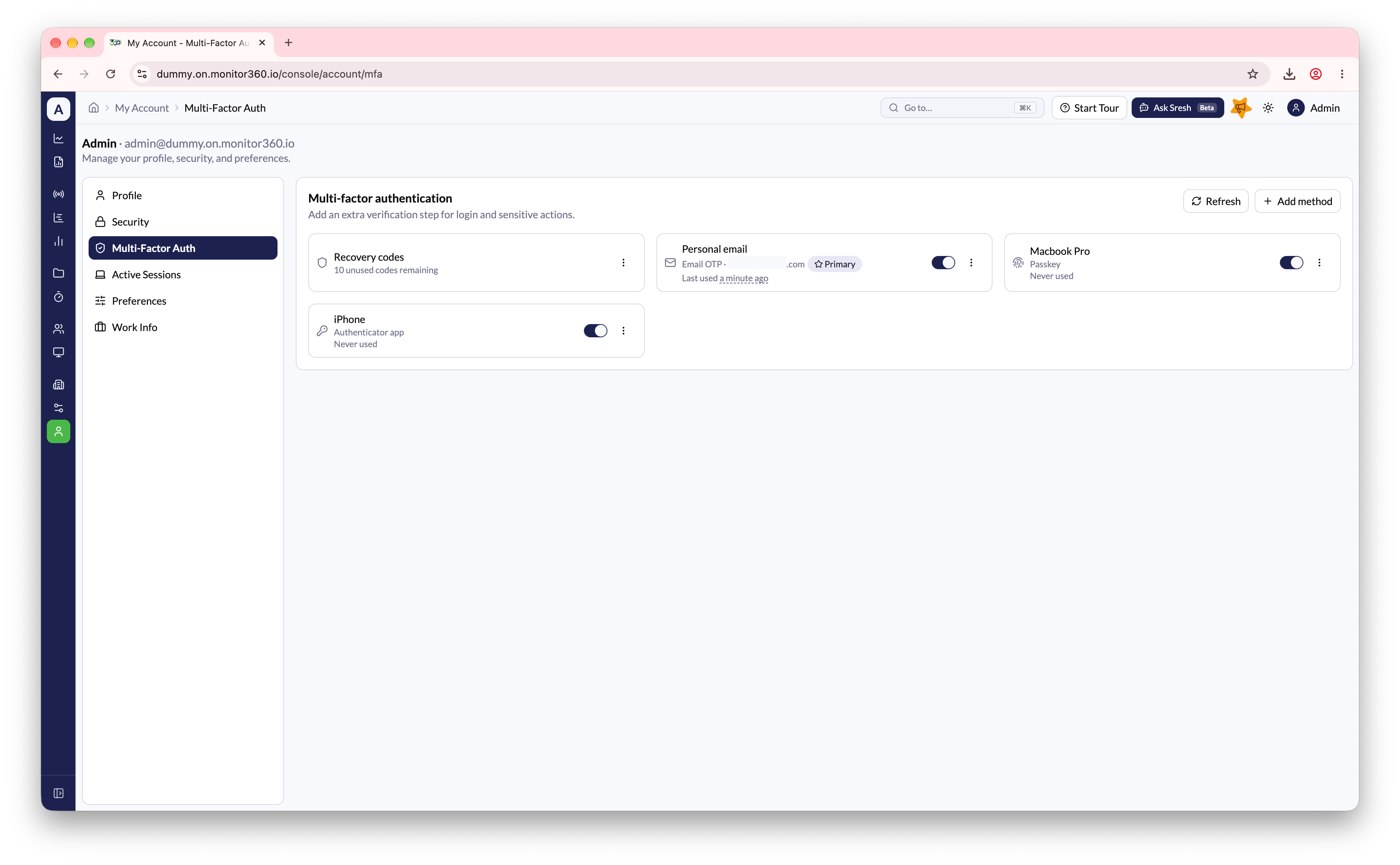
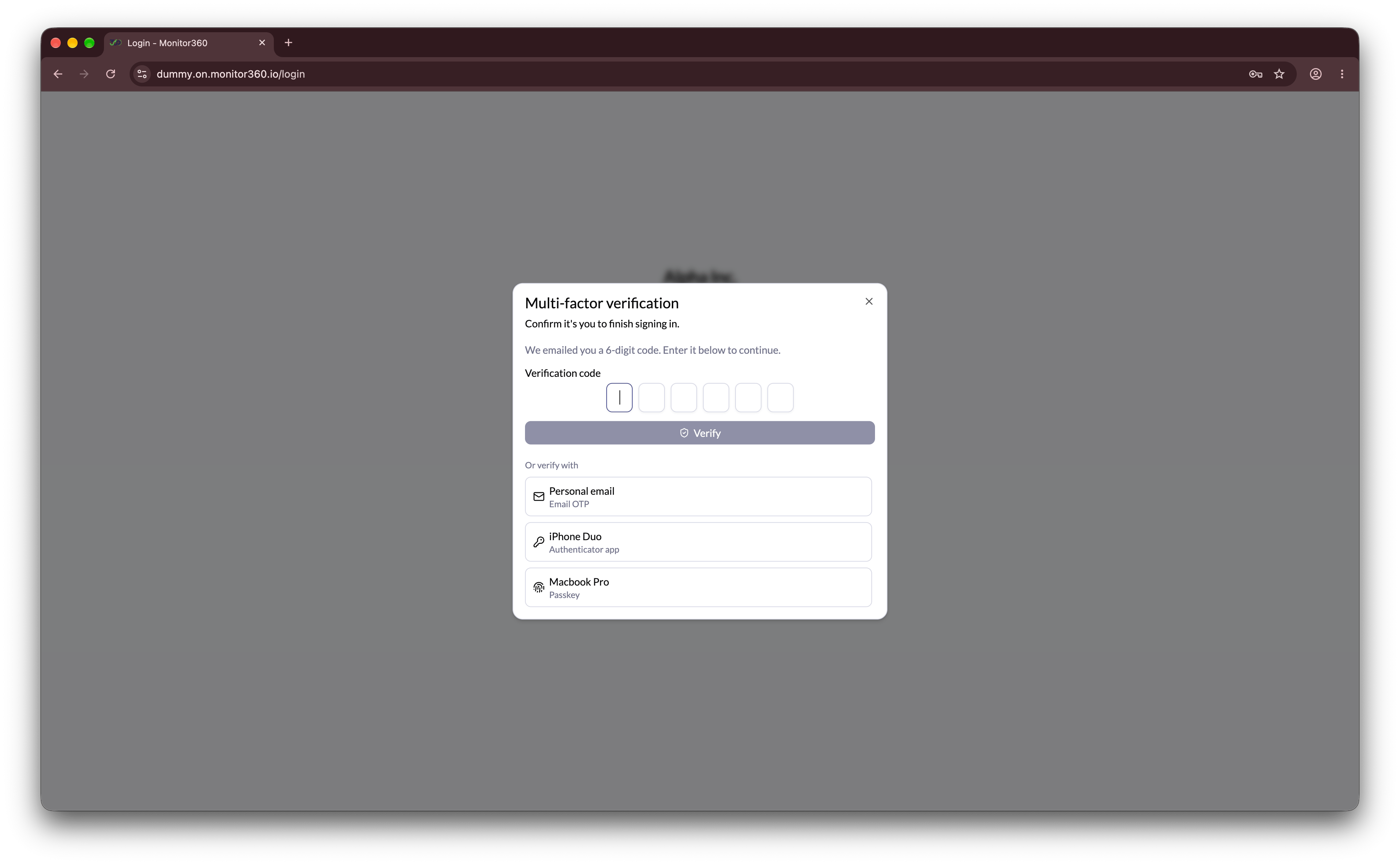
Add an extra verification step for login and sensitive actions, such as deleting a user. Click Add method to set up:- Email OTP - a 6-digit code is emailed to your account address (or another inbox you choose) each time you’re asked to verify. Codes expire after 5 minutes and can’t be reused.
- Authenticator App - scan the QR code (or enter the setup code manually) with an app like 1Password, Authy, or Google Authenticator, then verify with a generated code to enable it.
- Passkey - register this device using Face ID, Touch ID, Windows Hello, or a security key.
Active Sessions
View all devices currently signed in to your account, along with their session ID, IP address, and last active time. Sign out of an individual session, or use Sign out all other sessions to sign out everywhere except your current device.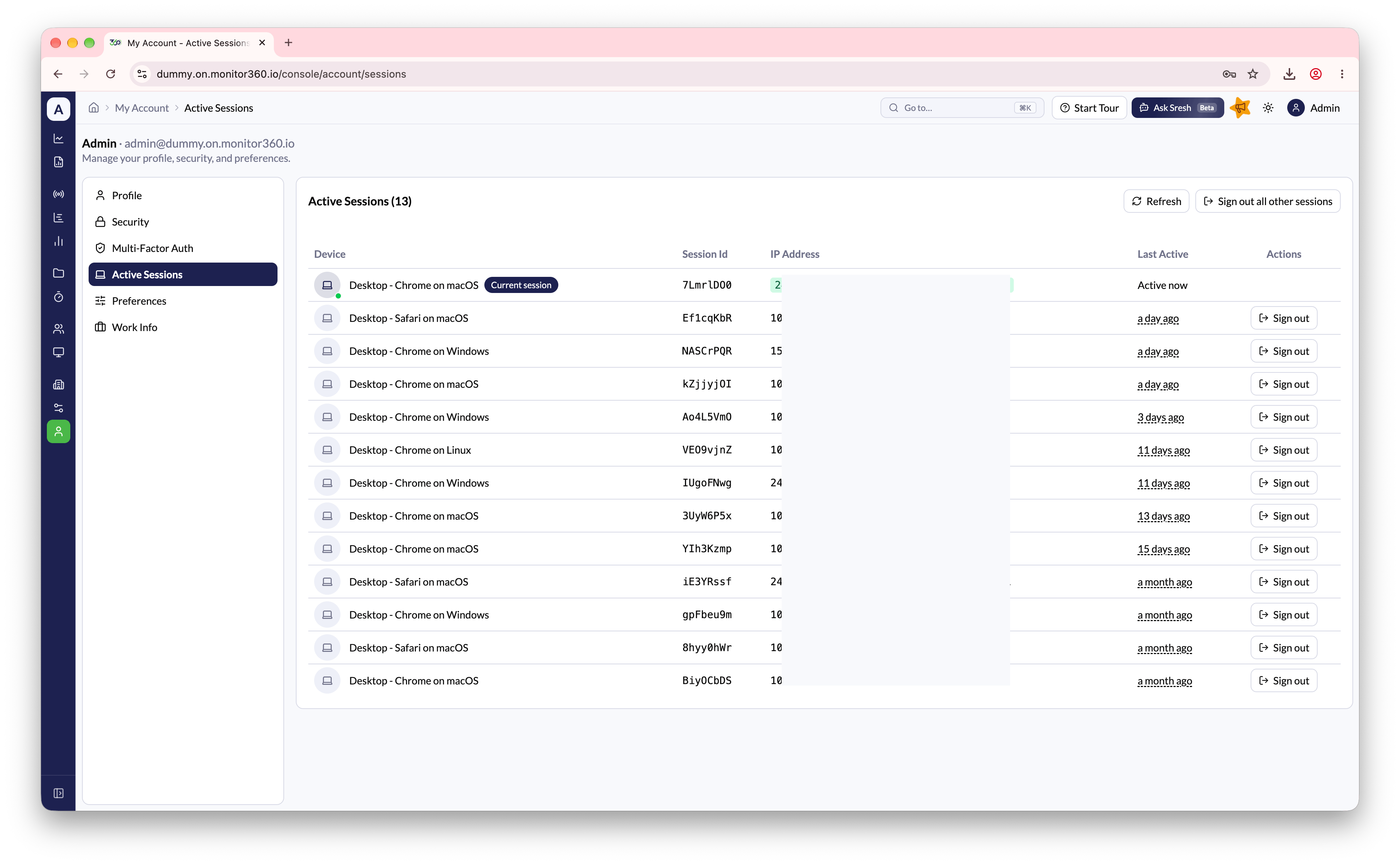
Preferences
Change the theme (Light, Dark, or System).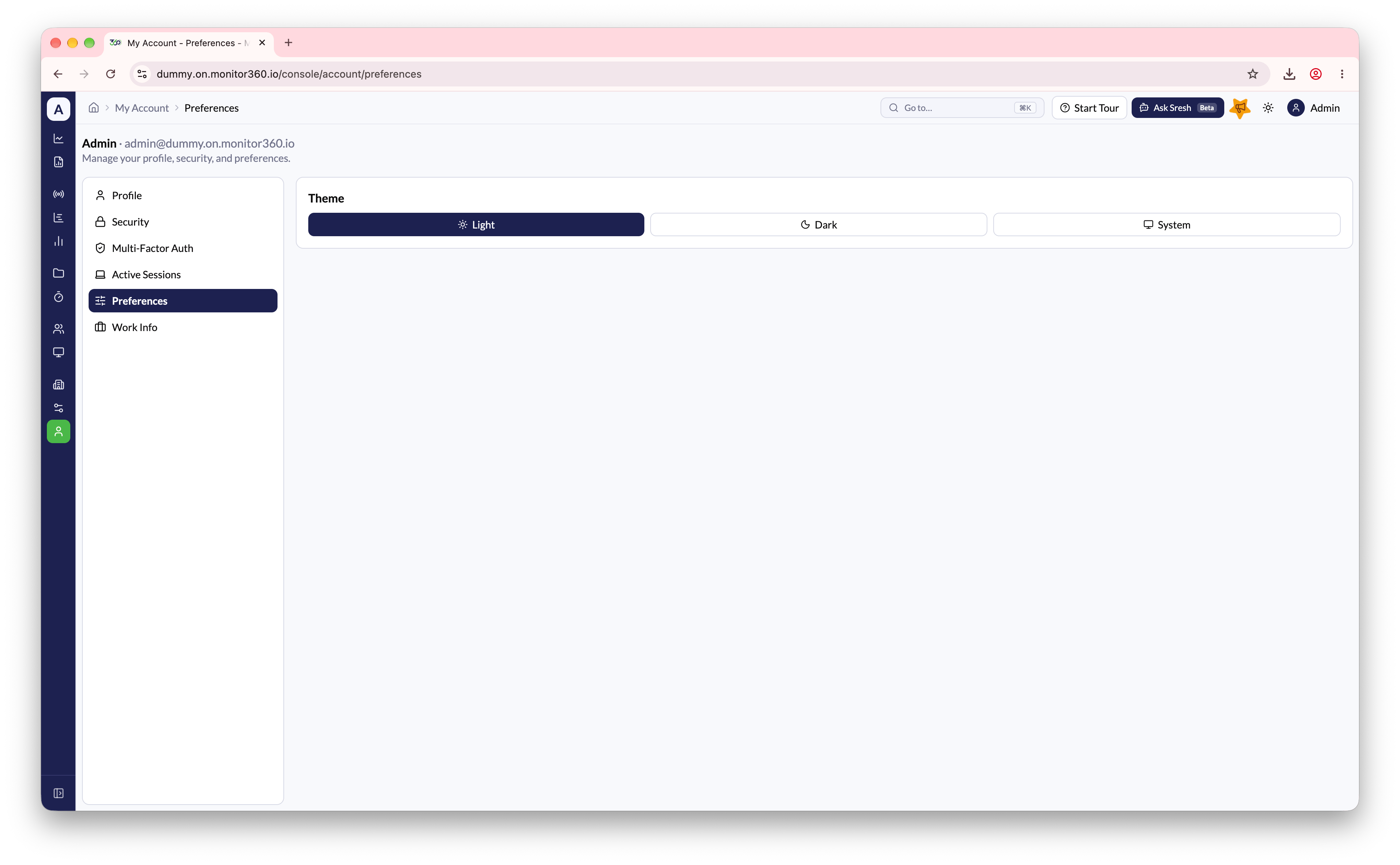
Work Info
View your assigned shift, including working hours and days off for each day of the week.