Overview
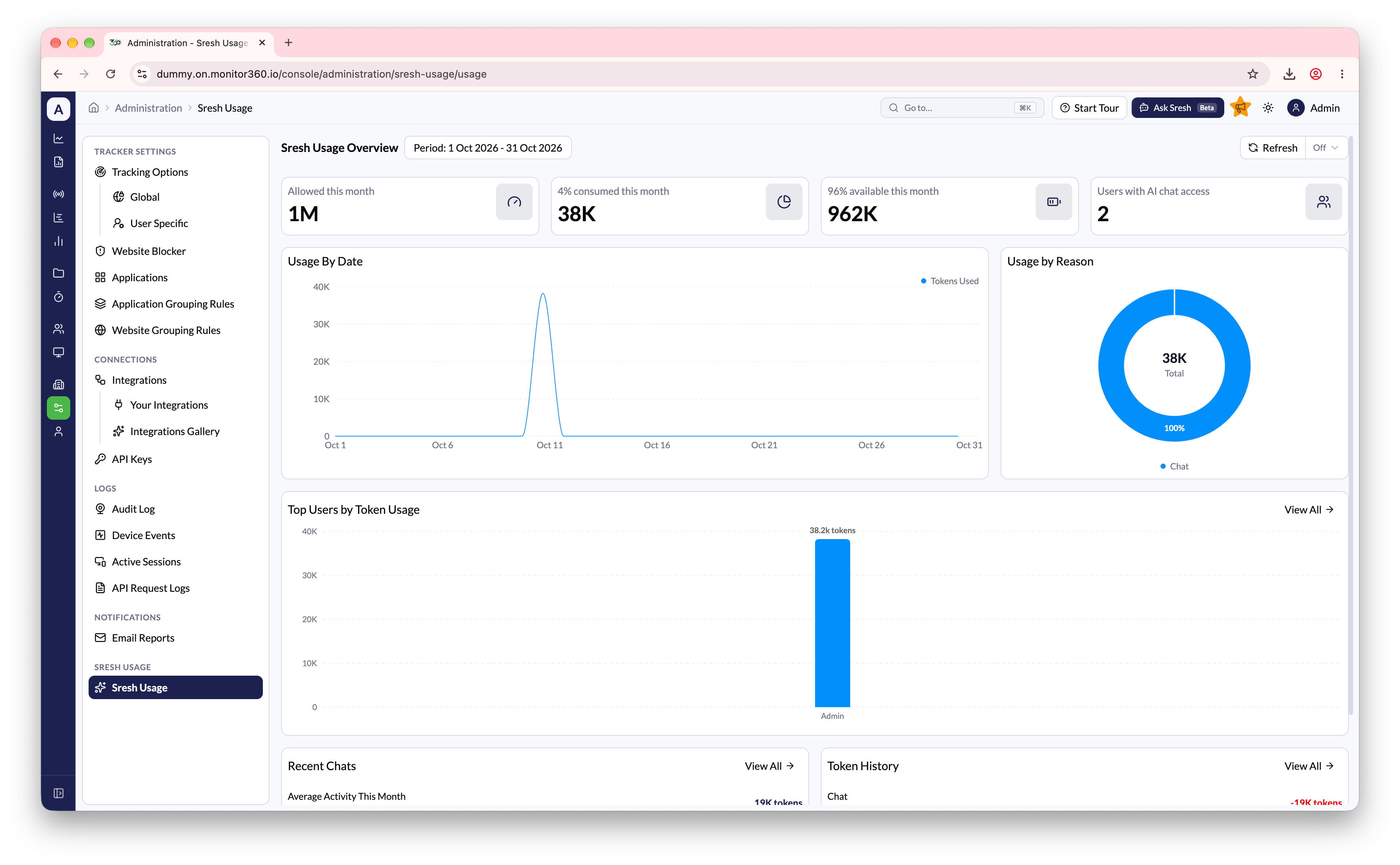
The Sresh Usage section allows the admin to monitor AI usage, token consumption, and credits.Viewing usage
Go to Administration → Sresh Usage. Pick a date range at the top. Every card and chart updates to match. Turn on Auto Refresh to keep the page current.
Click View All on Top Users, Recent Chats, or Credit History to open the full list.