Overview
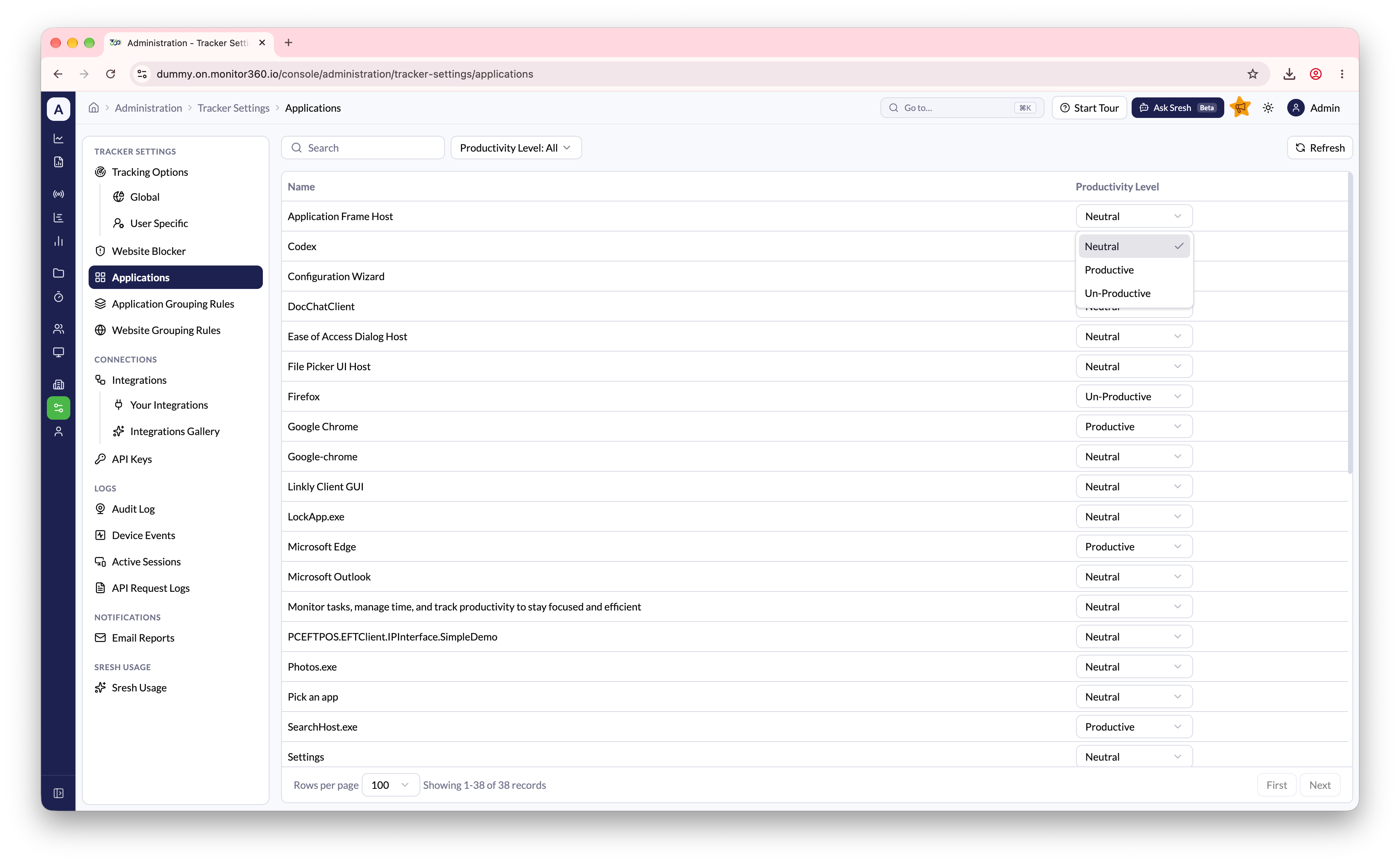
The Applications page lists every application that Monitor360 has recorded on your team’s devices. You can set a Productivity Level for each one. That level is used in productivity metrics across reports, Time & Activity, and dashboard widgets.How to access
Go to Administration → Tracker Settings → Applications.Set a productivity level
- Find the application with Search, or filter the list by Productivity Level
- In the Productivity Level column, choose Productive, Neutral, or Un-Productive
- The change saves immediately