

Overview
The Designations section allows the admin to create and manage employee job titles or designations. Users can then be assigned the correct designation when their accounts are created.How to Create a Designation
- Go to Organization → Workforce → Designations
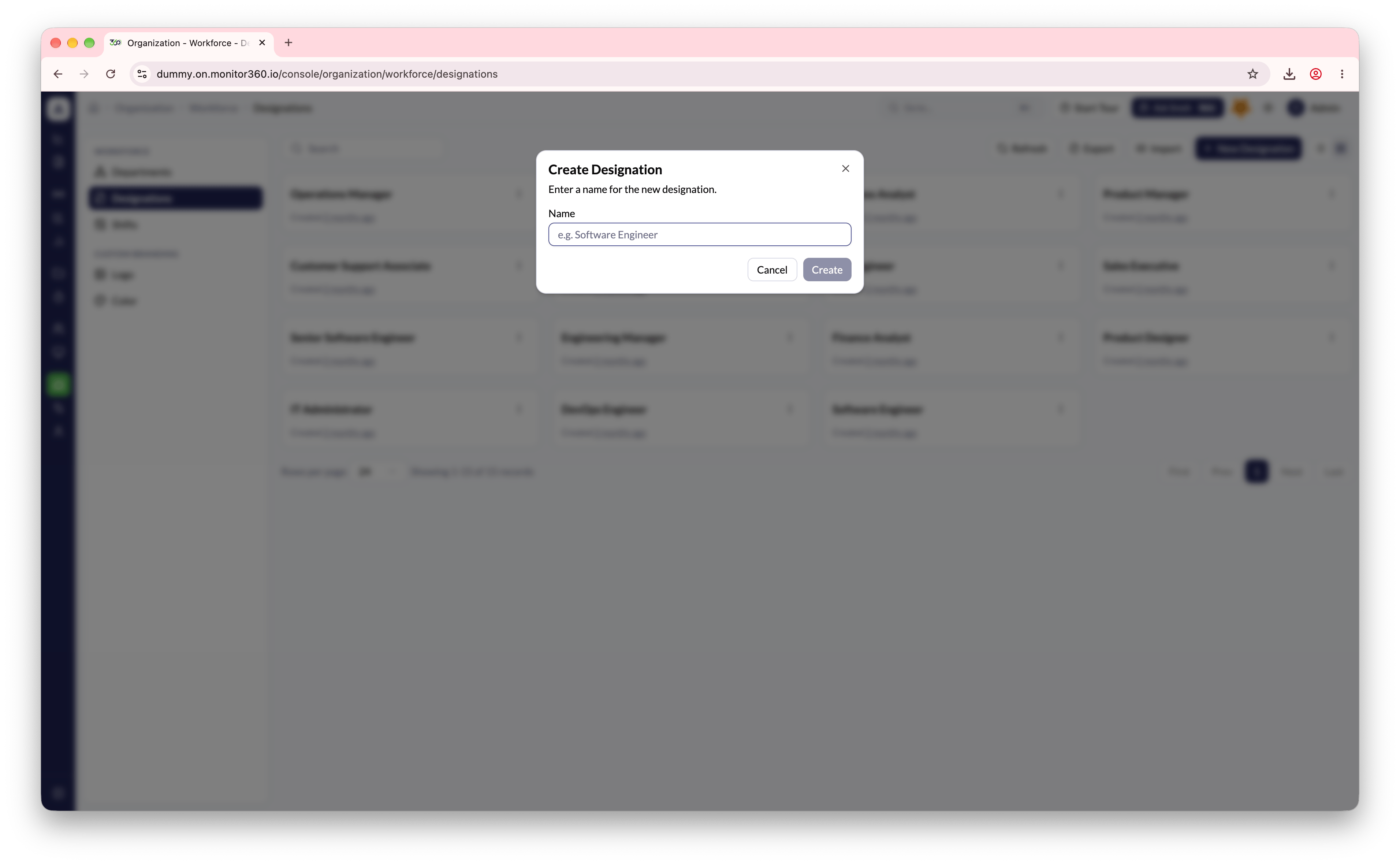
- Click + New Designation
- Enter the designation name (e.g., Software Engineer, Sales Executive)
- Click Create
Bulk Operations
- Import - Upload designation records in bulk using a CSV file
- Export - Download the full designation list