Overview
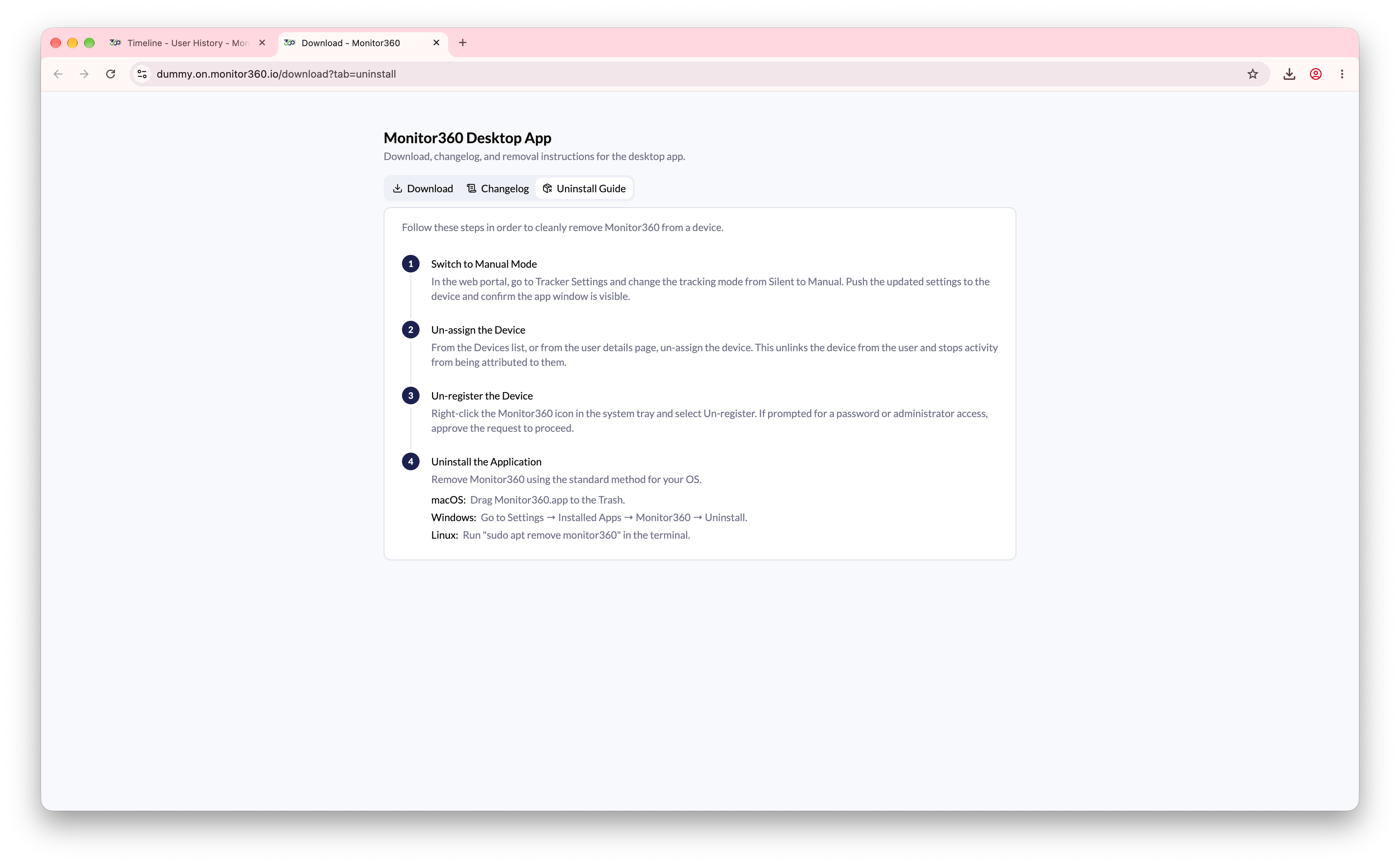
To completely remove Monitor360 from a device, follow these steps in order. Skipping steps may leave residual tracking active or cause issues during reinstallation.Step 1: Switch to Manual Mode
In the Monitor360 web portal, go to Users, open the user, and select the Tracker Settings tab. Click Switch to manual mode, then click Push Settings, and confirm the app window is visible on the device.Step 2: Unregister the Device
On the same tab, click Unregister App to remove the device registration remotely. Alternatively, on the device itself, right-click the Monitor360 icon in the system tray and select Un-register. If prompted for a password or admin confirmation, approve the request.Unregister App and Uninstall Daemon need a recent desktop app version. On older versions, unregister from the device itself.
Step 3: Unassign the Device
From the Devices list, or from the user’s Tracker Settings tab, click Un-assign. This unlinks the device from the user and stops activity from being attributed to them.Step 4: Uninstall the Application
Remove Monitor360 using the standard uninstall method for the operating system:- macOS - Drag
Monitor360.appto the Trash - Windows - Go to Settings → Installed Apps → Monitor360 → Uninstall
- Linux - Run
sudo apt remove monitor360in the terminal