Overview
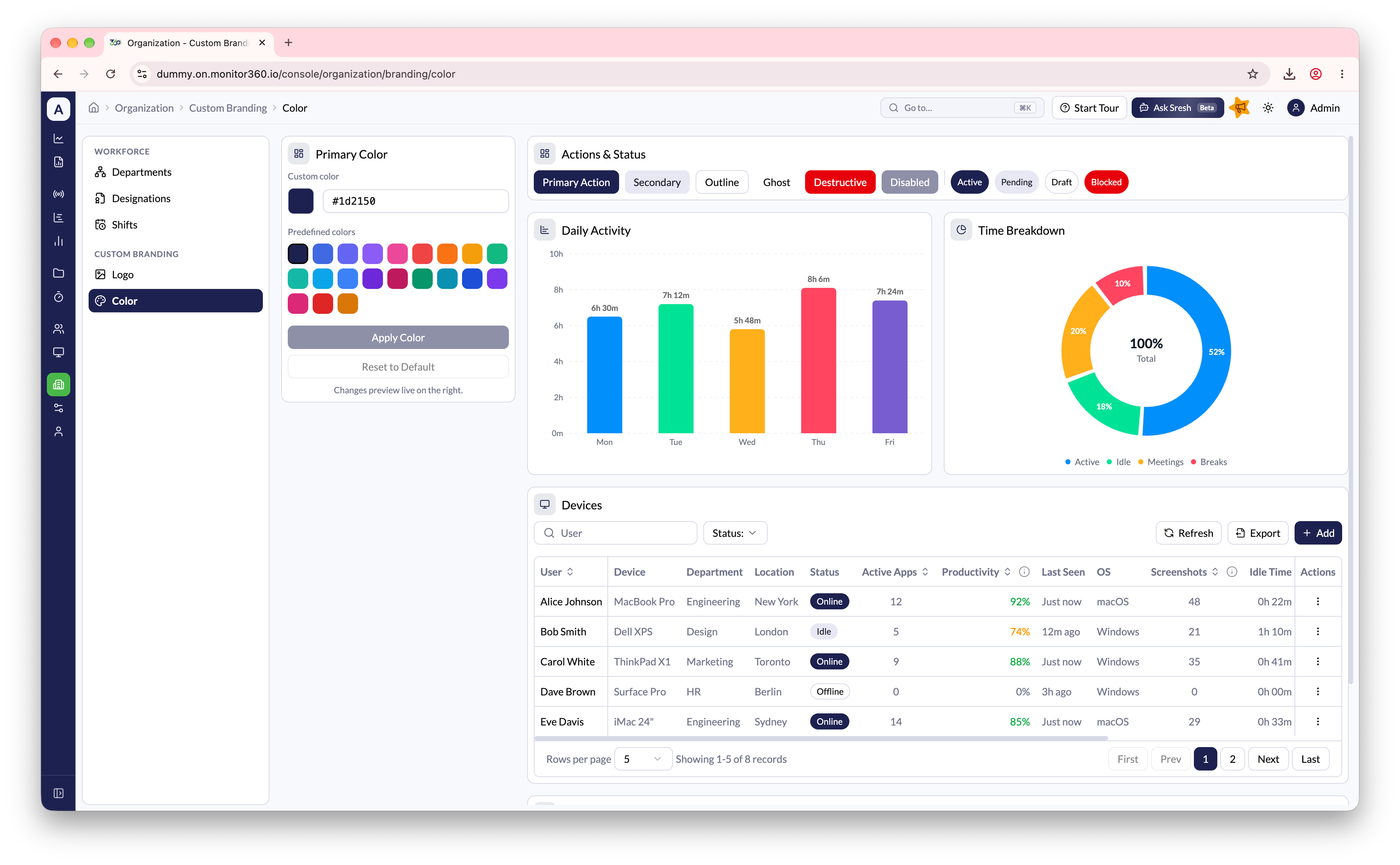
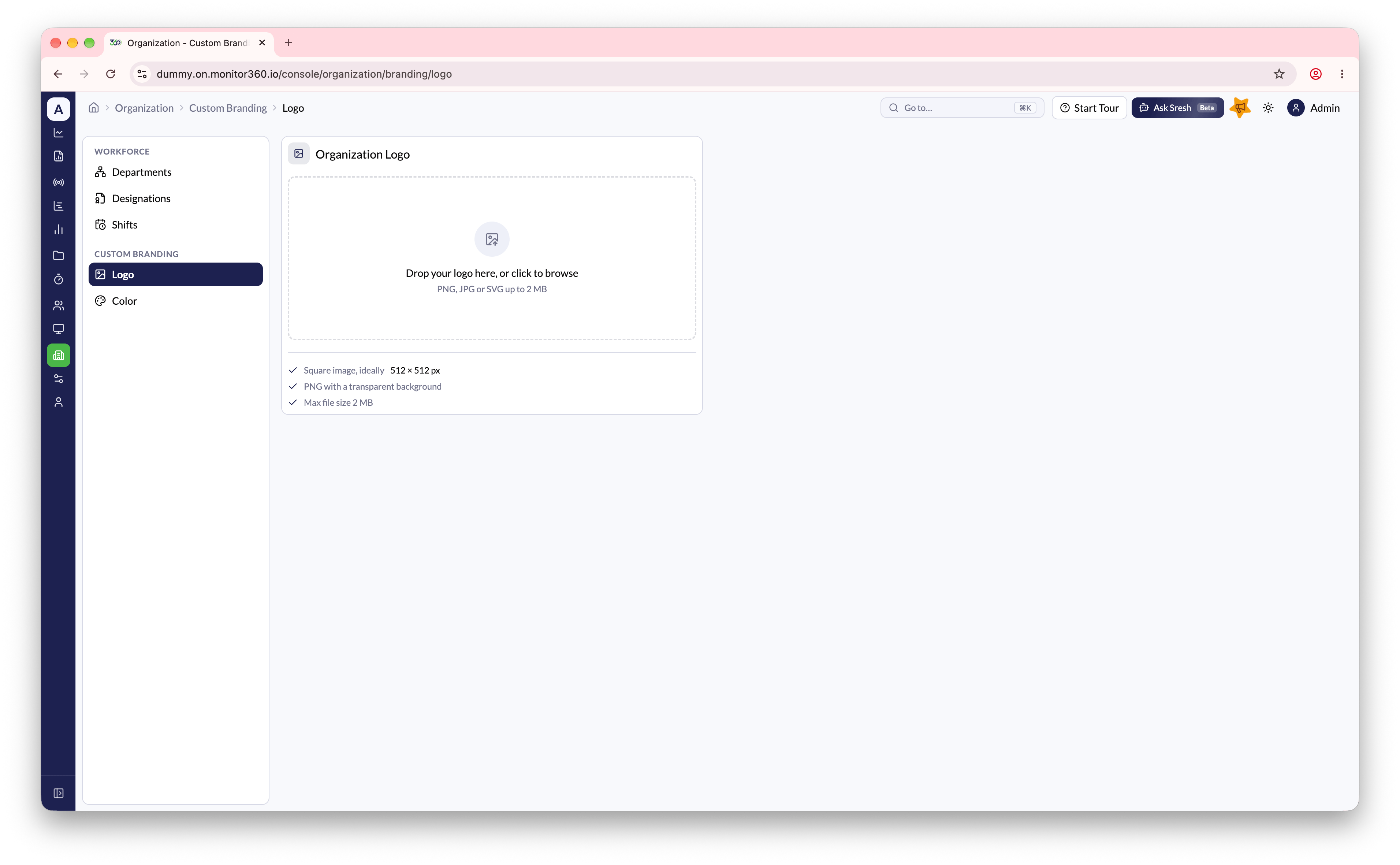
The Custom Branding section lets the admin match Monitor360 to the organization’s brand, with its own logo and primary color. Go to Organization → Custom Branding. It has two pages: Logo and Color.Logo
- Go to Organization → Custom Branding → Logo
- Upload the Organization Logo: a PNG with a transparent background, 512×512 px recommended, 2 MB maximum
Color
- Go to Organization → Custom Branding → Color
- Choose a Primary Color from the preset swatches, or enter a custom hex code
- Check the Live Preview to see the color on buttons, charts, tables, and forms
- Click Apply Color to save