Overview
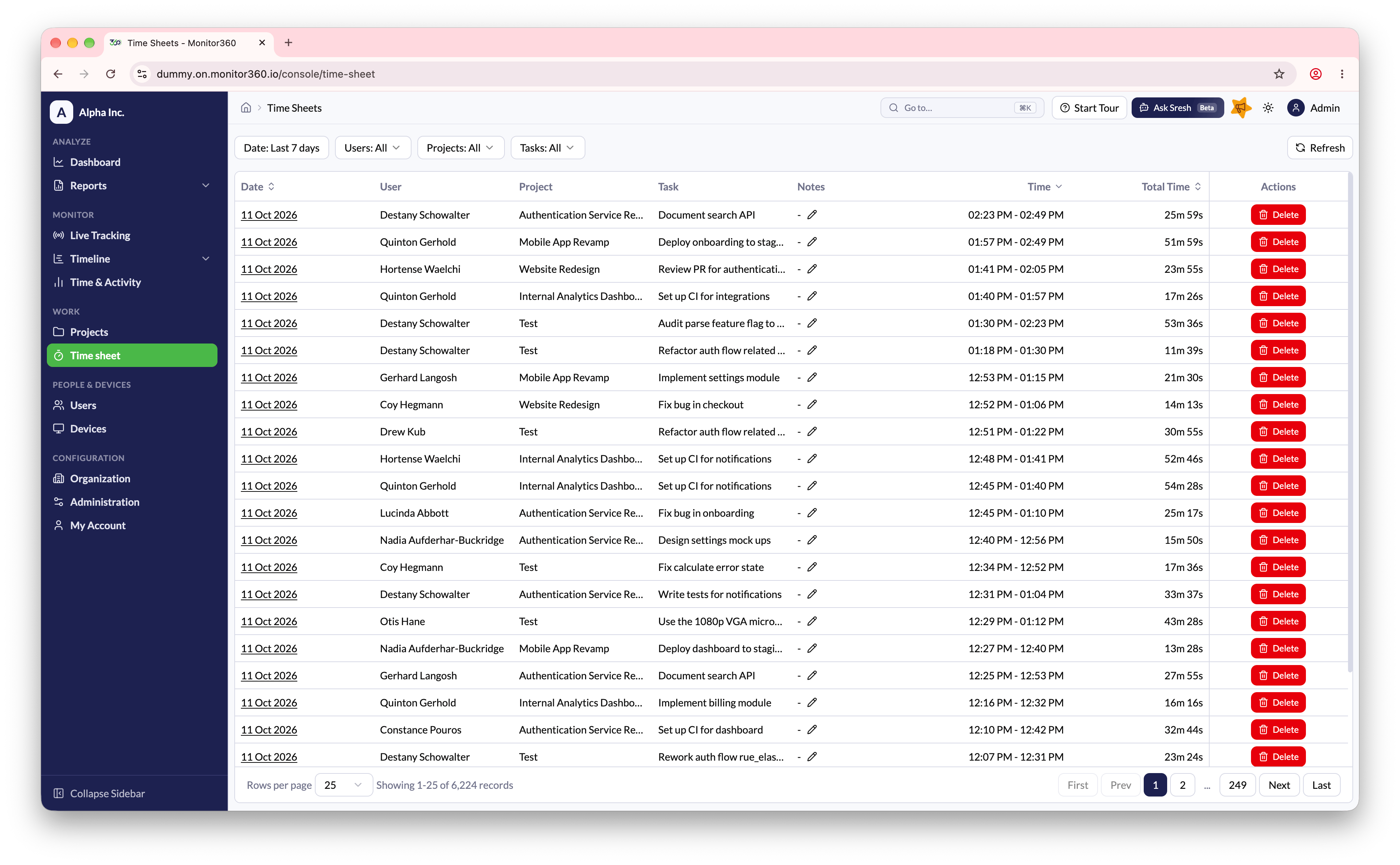
From the Time Sheet section, you can view and analyse time entries across your organization.Key Features
- Go to Work → Time sheet
- Filter by Date range, Users, Projects, and Tasks
- Each row is one tracked work session, showing Start Time, End Time, Total Time, Idle Time, and Activity %
- Click the date in a row to open Time Sheet Details
- Hover over a note to read it in full, or click the pencil icon to edit it
- Use pagination to navigate large records