Sidebar layout
The left sidebar groups pages by what you want to do. You only see the pages your role and plan give you access to.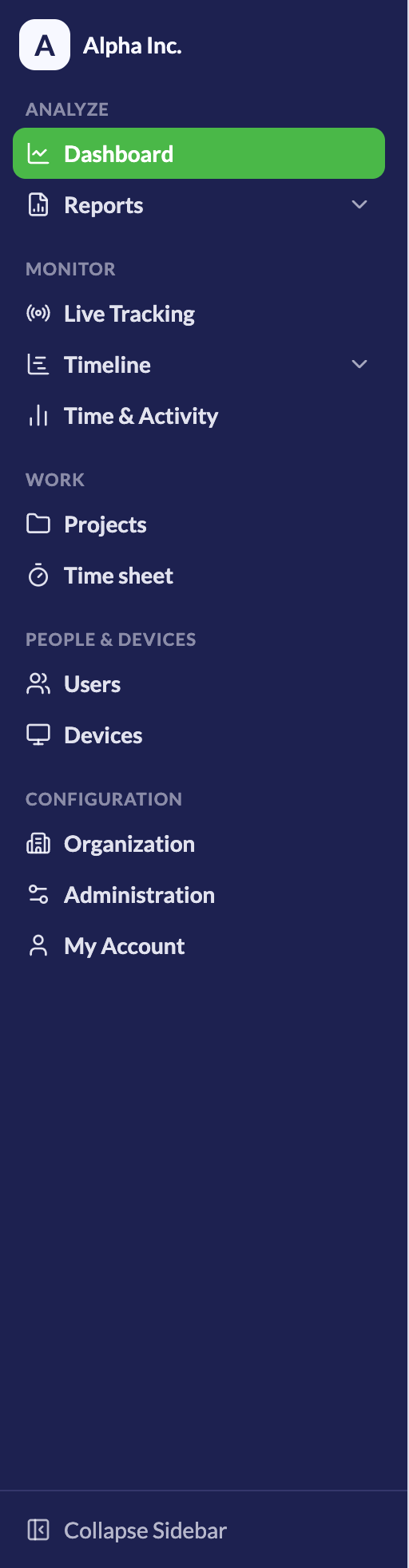
Organization
Settings that describe your company:- Workforce - Departments, Designations, Shifts
- Custom Branding - Logo and Color
Administration
Settings that control tracking, connections, and logs:- Tracker Settings - Global and User Specific, Website Blocker, Applications, Application and Website Grouping Rules
- Connections - Integrations, API Keys
- Logs - Audit Log, Device Events, Active Sessions, API Request Logs
- Notifications - Email Reports
- Sresh Usage - Sresh Usage
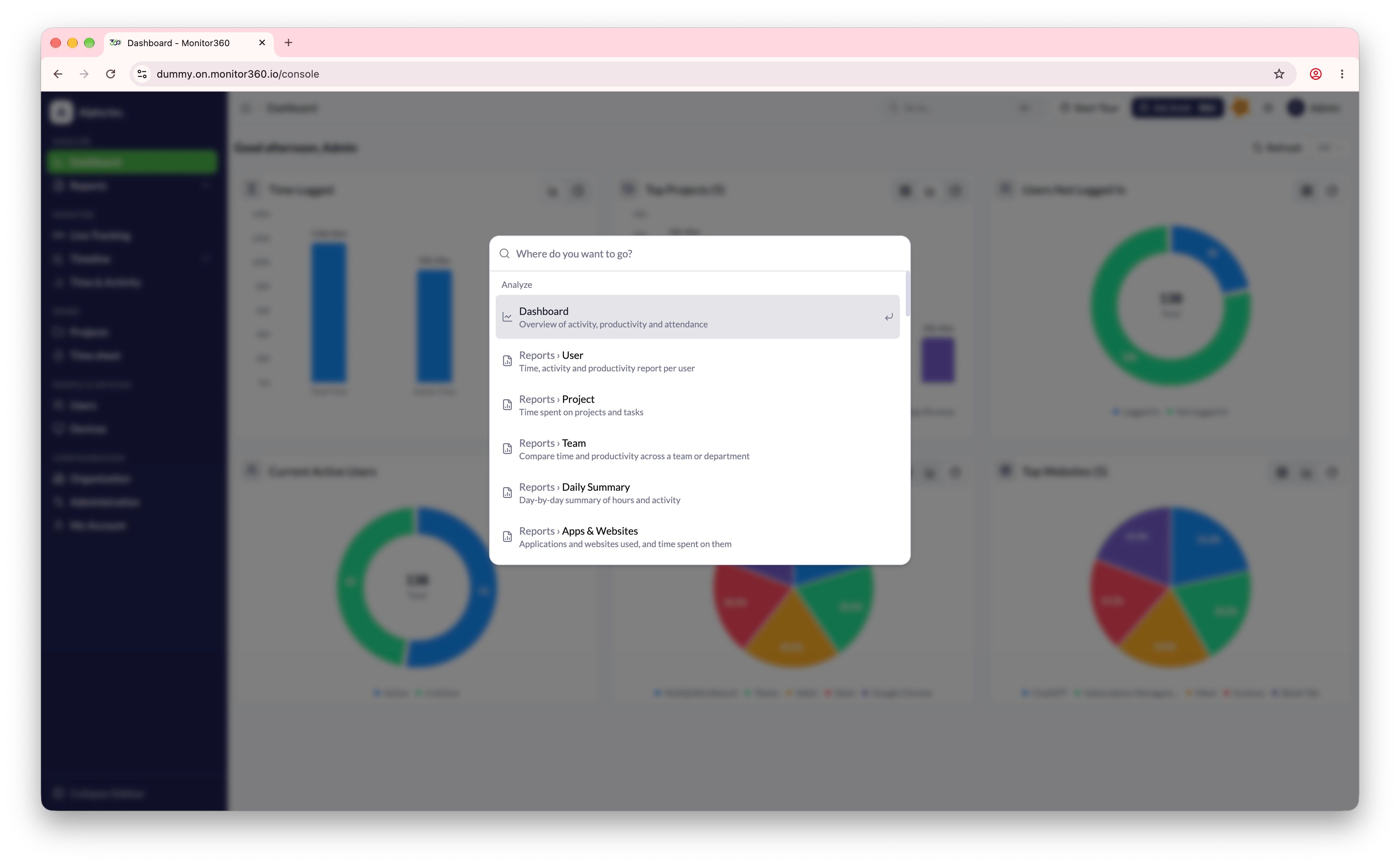
Quick search
Press ⌘ + K on macOS or Ctrl + K on Windows and Linux to open the search palette. Start typing a page name, such as “shifts” or “api keys”, and press Enter to jump to it. The palette lists exactly the pages you can open from the sidebar.