

Overview
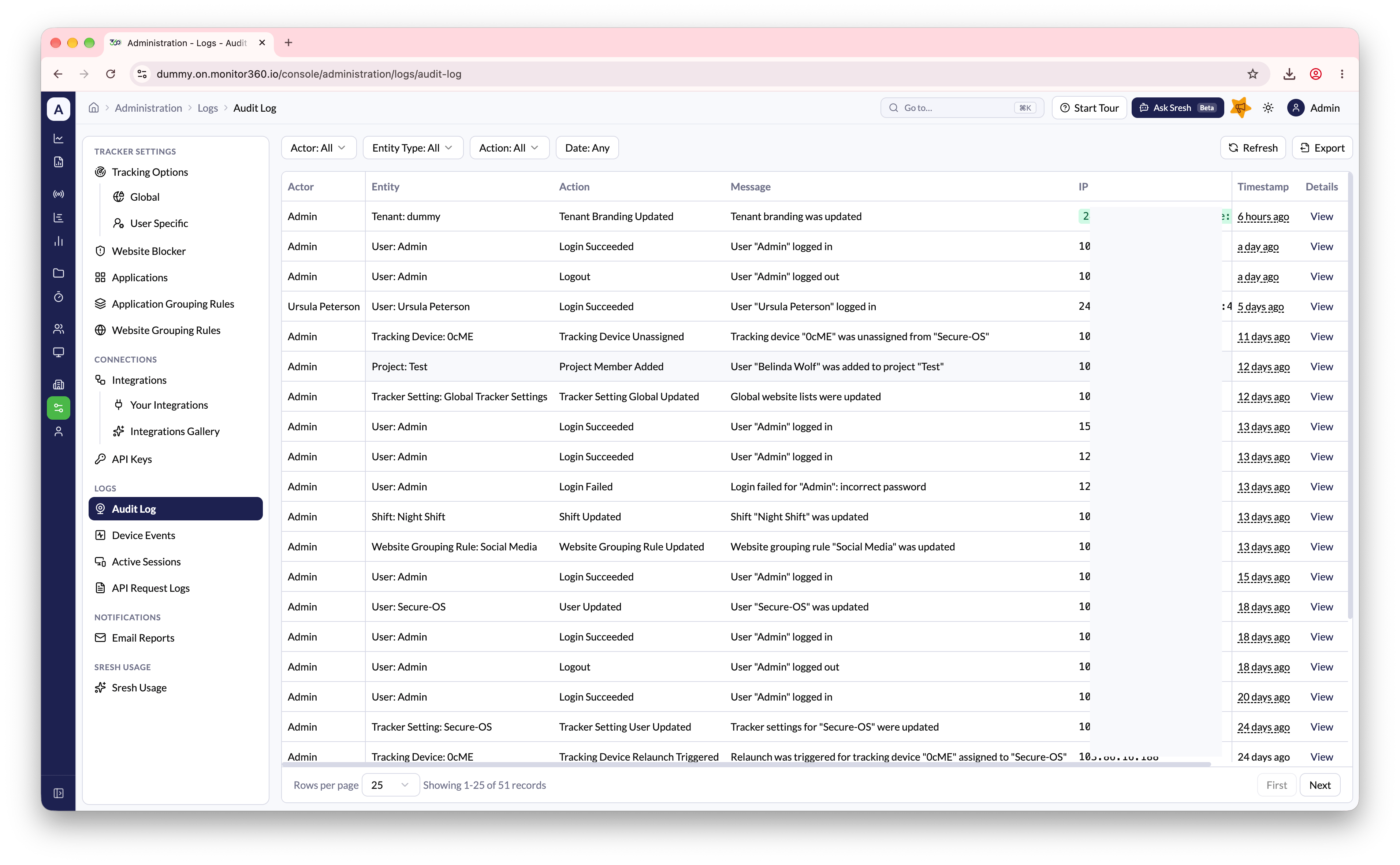
Audit Logs provide a chronological record of actions taken across the platform - who performed the action, what it was, and when it happened. Go to Administration → Logs → Audit Log.- Admins can view audit logs for all users in the organization
- Users can view audit logs for themselves and their team members
- Filter logs by actor, entity type, action, or date range
- Click View Details on an entry to see everything captured for that action
Actors
Each entry records who performed the action:- User - a person signed in to Monitor360, or using one of their API keys
- System - Monitor360 itself. Currently this is the Recurring Task Job, which reopens a completed recurring task for its next occurrence (logged as Project Task Updated)
Tracked events
These are all the events Monitor360 records, grouped by entity.User
MFA Method
Organization
Projects
Tracking configuration
Devices
Connections
Email Reports
This list of entities and actions is expected to grow as new capabilities are
added to the platform.