Overview
The API Keys section allows the admin to generate and manage API keys for use with Monitor360’s API.Creating a New API Key
- Go to Administration → Connections → API Keys
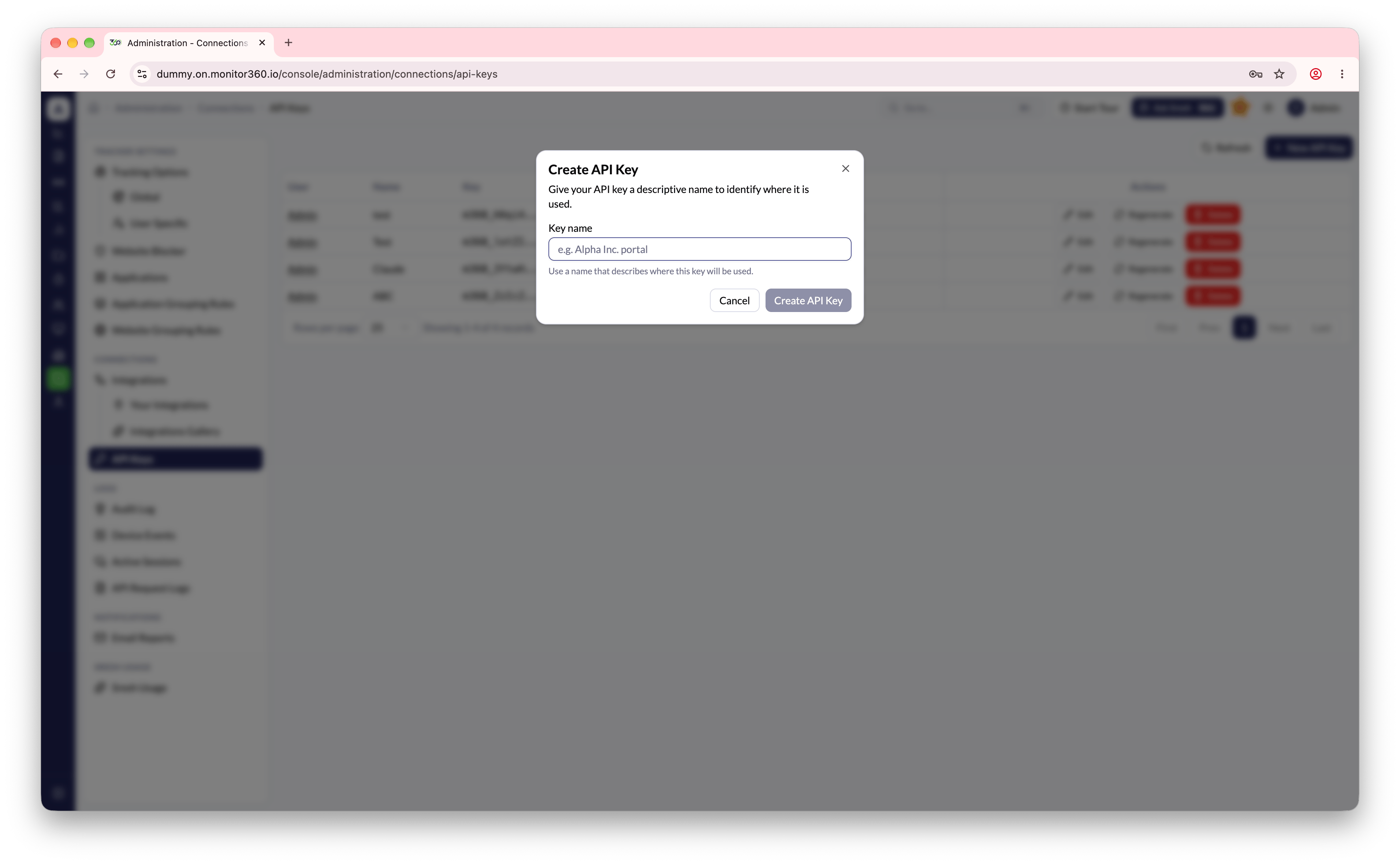
- Click + New API Key
- Enter a descriptive name for the key
- Click Create
- Copy the API key immediately - it is shown only once and cannot be retrieved later
Managing Existing API Keys
The list shows each key’s owner, a masked version of the key, when it was last used, and when it was created.
API documentation
Open API Docs from the profile menu to browse the available endpoints and connect AI tools through the MCP Server.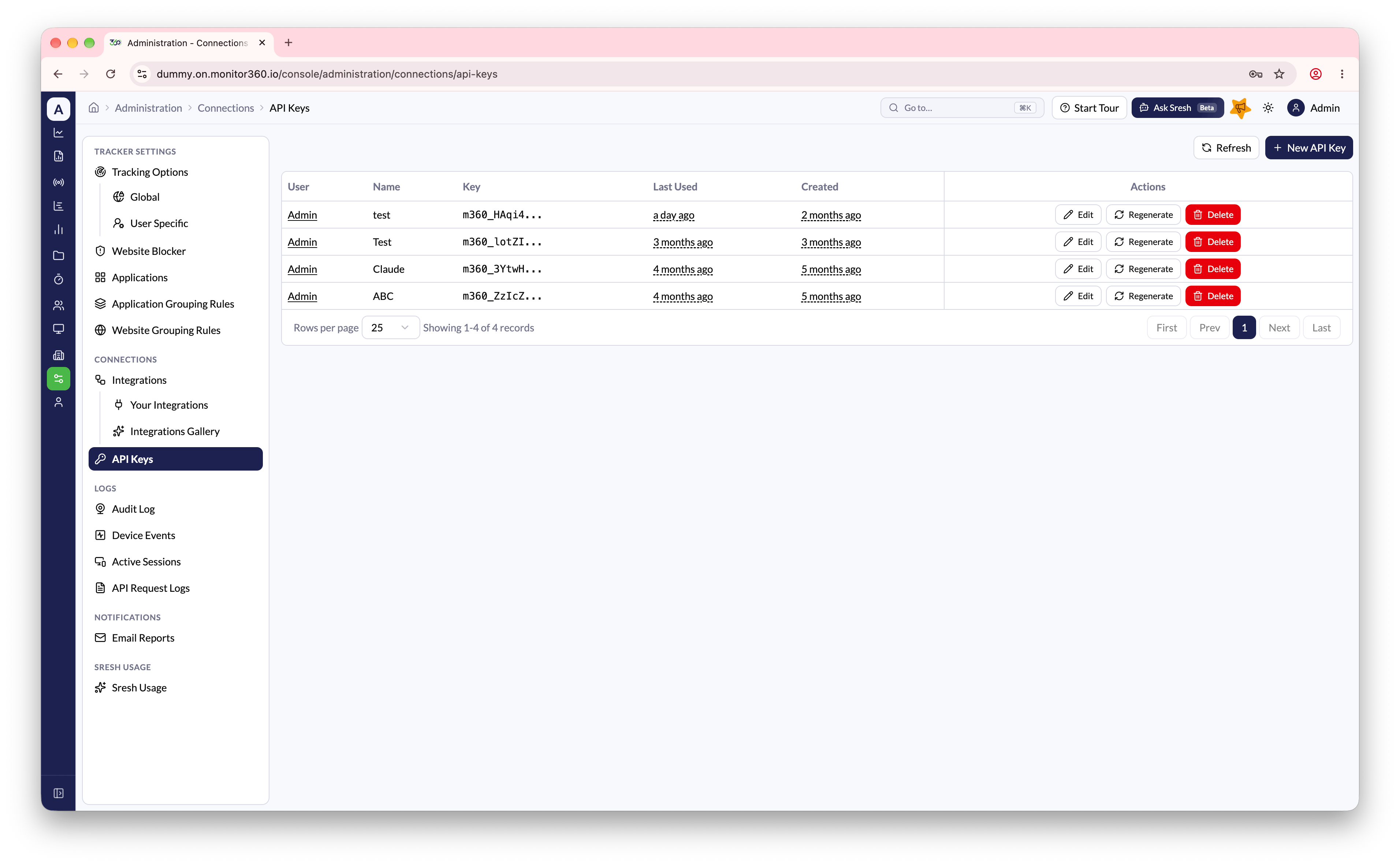
Viewing Request Logs
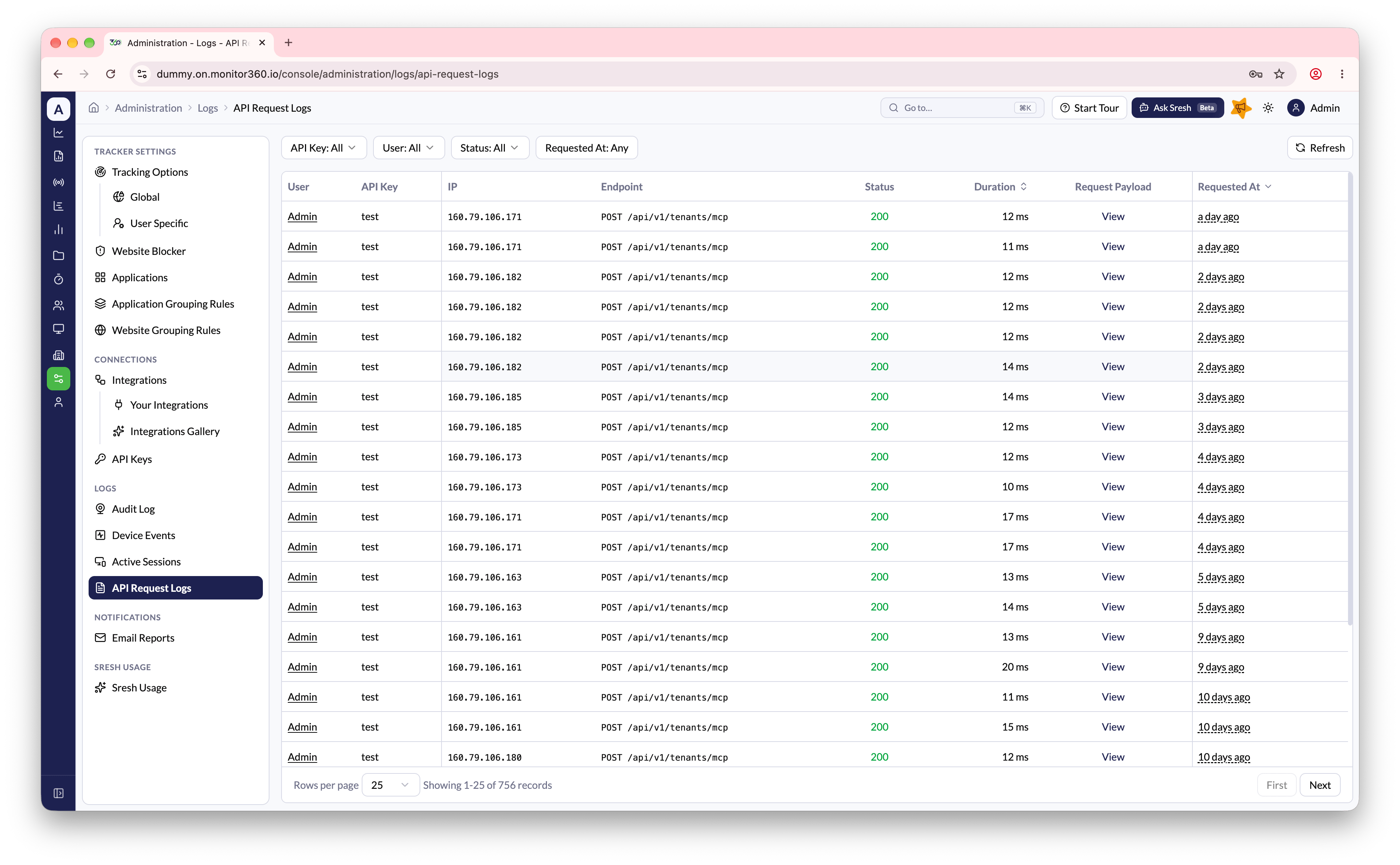
Every request made using an API key is logged. Go to Administration → Logs → API Request Logs to see the full history.- Filter by API Key, User, Status, and Requested At
- Each entry shows the User, API Key, IP, Endpoint, Status, Duration, and Requested At
- Click View under Request Payload to inspect the payload sent with a request