

Overview
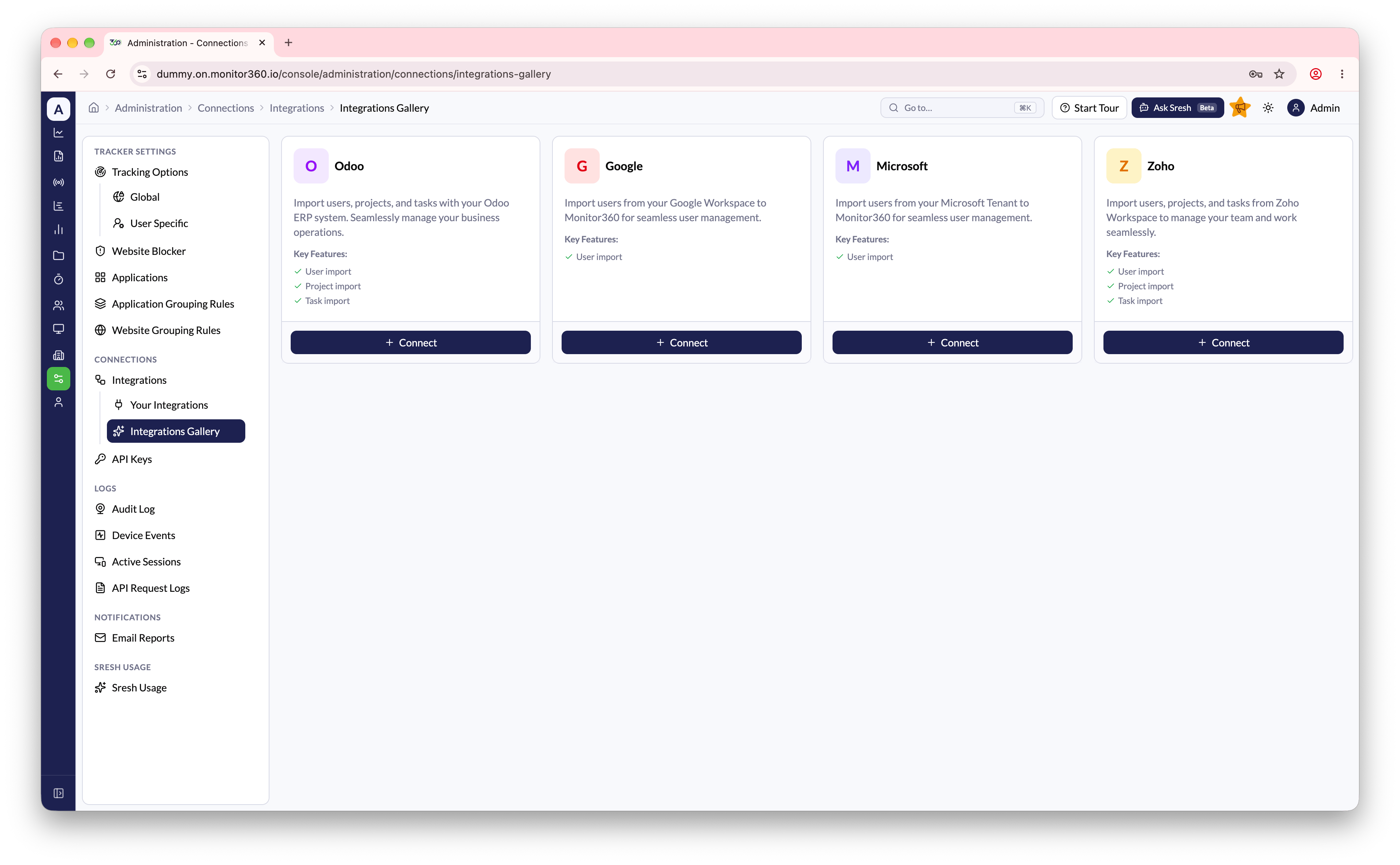
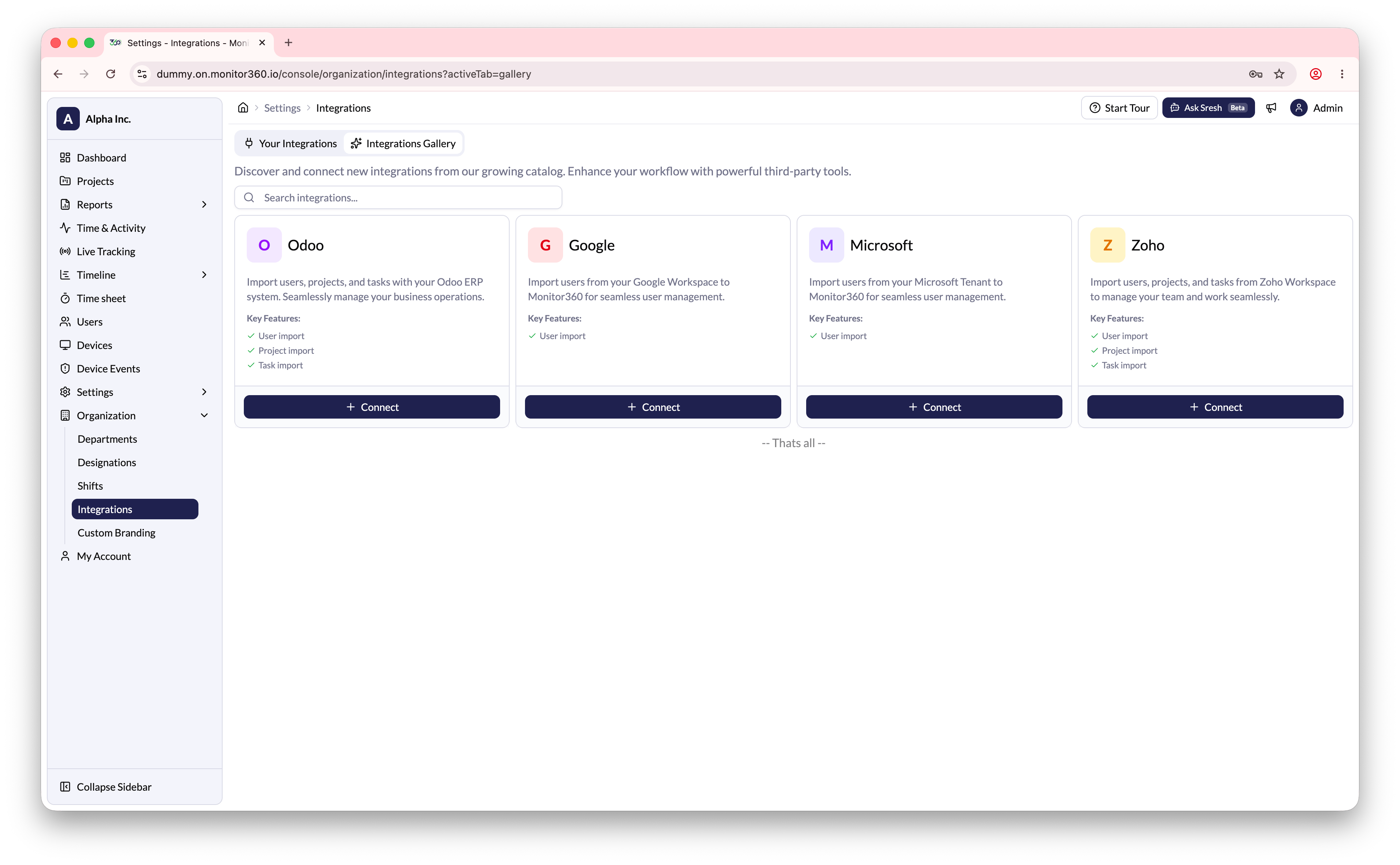
The Integrations section allows the admin to connect Monitor360 with other platforms to import users, projects, and tasks, reducing manual work and keeping your data up to date. Go to Administration → Connections → Integrations. There are two pages:- Integrations Gallery - the catalog of available integrations
- Your Integrations - integrations you have already connected
Supported integrations
How to set up an integration
- Go to Administration → Connections → Integrations → Integrations Gallery
- Click Connect on the integration you want
- Enter the connection details as prompted
- Once connected, the integration appears under Your Integrations
Manage a connected integration
From Your Integrations you can:- Import users and, where supported, import projects from the connected platform
- Edit the connection details
- Enable or disable the integration
- Delete the integration
Sync time sheets to Integration
Some integrations can also send Monitor360 time sheets back.- When adding or editing an Integration, turn on Sync Time Sheet
- Choose a Sync Frequency Type: Every X Hours, Daily, Weekly, or Monthly
- Set the schedule: interval hours, Scheduled Times, Days of Week, or Days of Month, depending on the type
- Save the integration