About Device Assignment
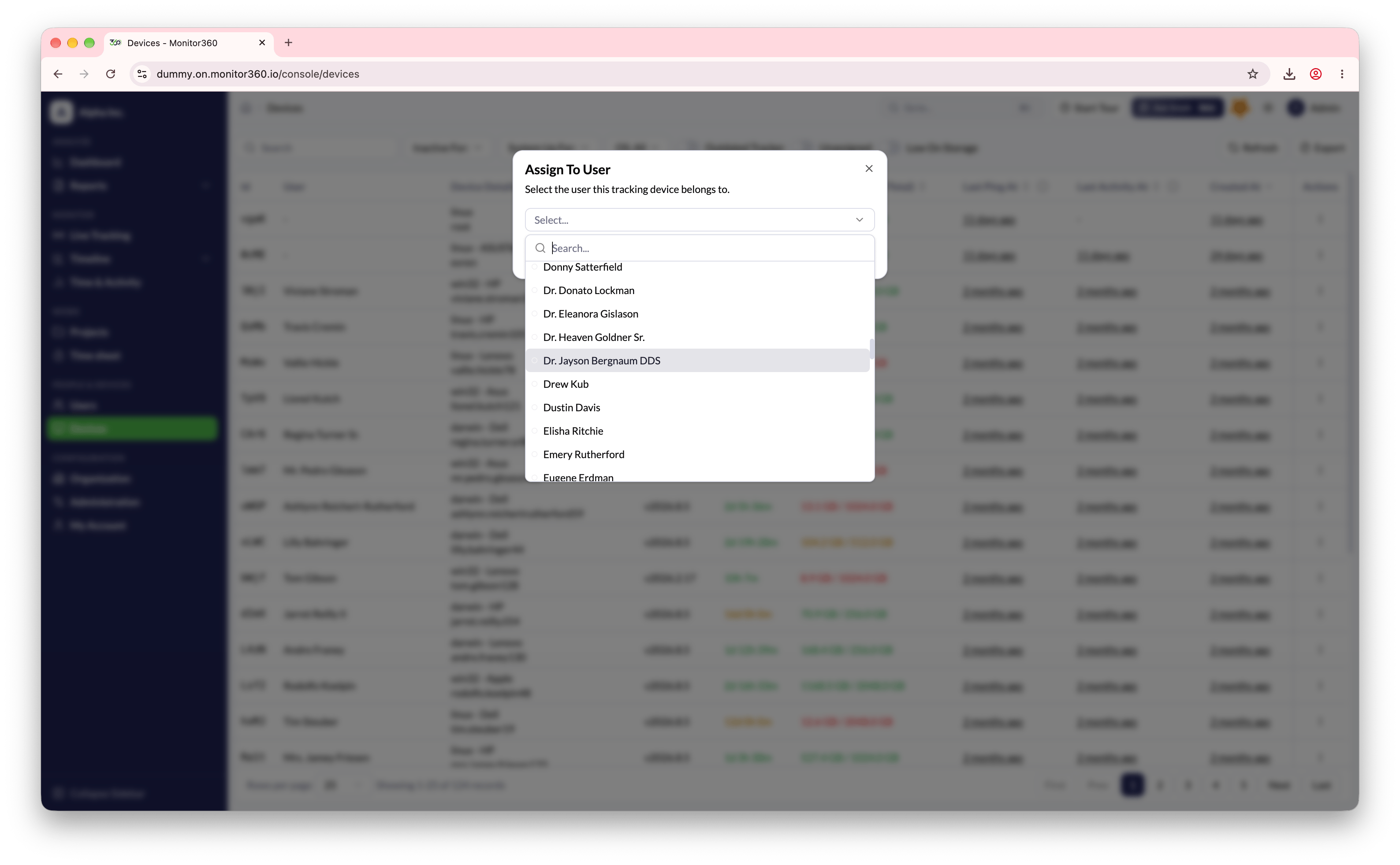
The Devices screen allows admins to assign a device to a specific user for accurate time and activity tracking.Steps to Assign a Device
- Click Assign next to an unassigned device
- Select a user from the list
- Confirm the assignment
After Assignment
Once assigned, all tracking data from that device will be linked to the selected user.Other Actions
- Admins can also unassign or delete devices when required
- Unassigning a device removes the user-device link while keeping the device in the system
- Deleting a device removes it completely from the system