

Overview
The Departments section allows the admin to create and manage departments. Users can then be assigned to the correct department when their accounts are created.How to Create a Department
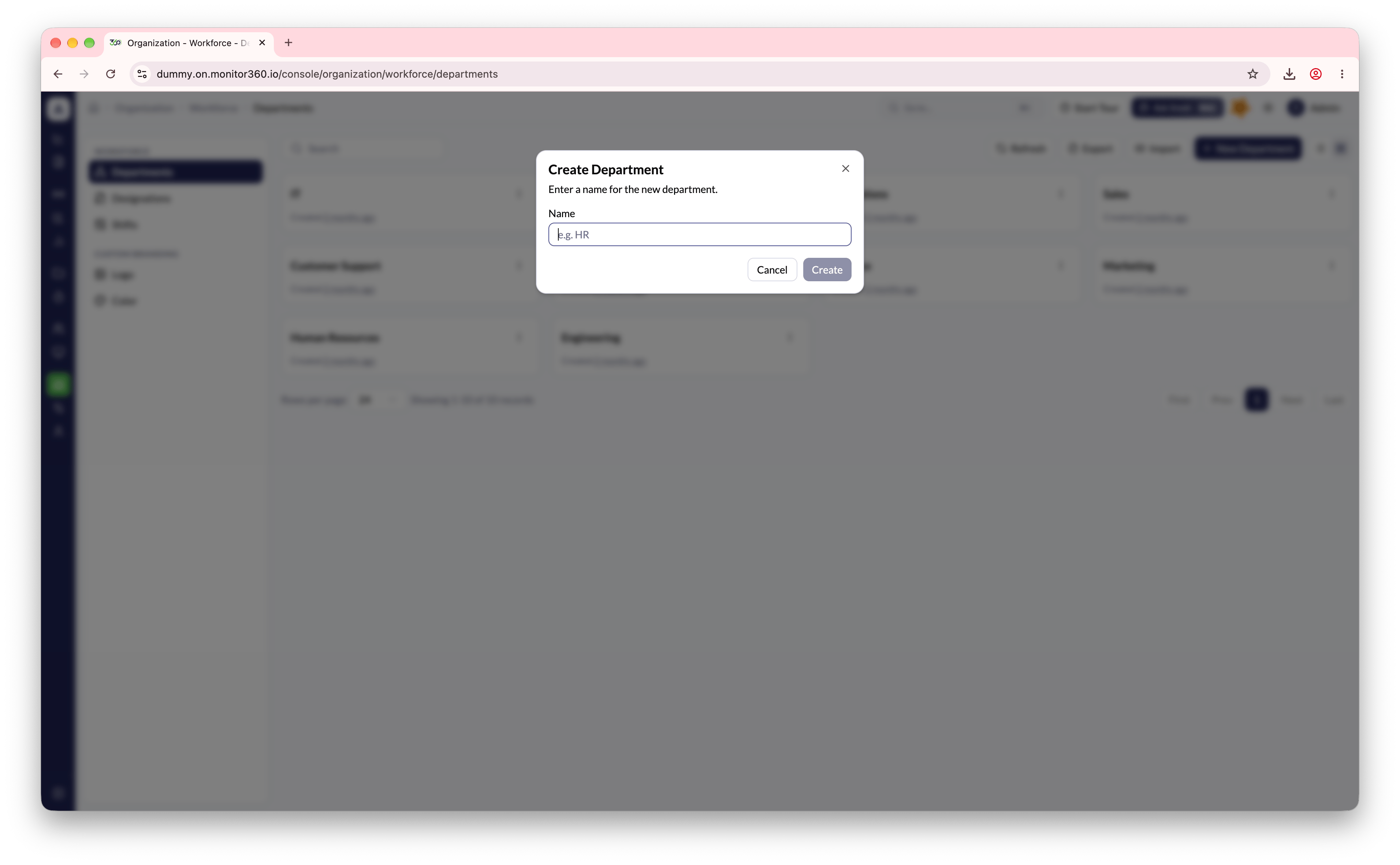
- Go to Organization → Workforce → Departments
- Click + New Department
- Enter the department name
- Click Create
Bulk Operations
- Import - Upload department records in bulk using a CSV file
- Export - Download the full department list