

Header buttons
The top-right of every page has these buttons:Profile menu
Click your name in the top-right corner of the screen.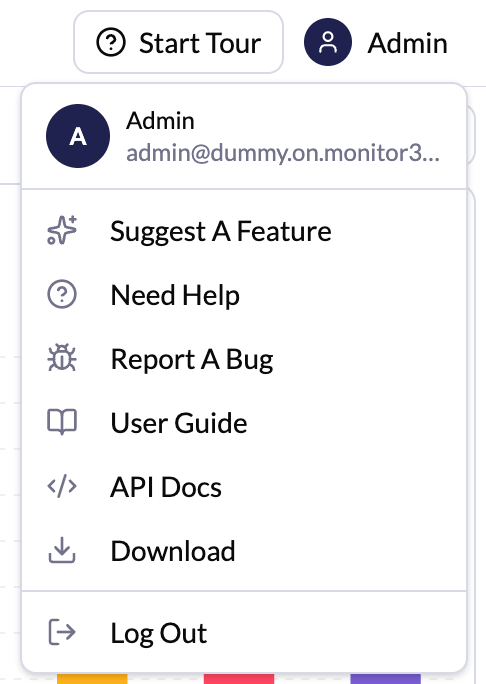
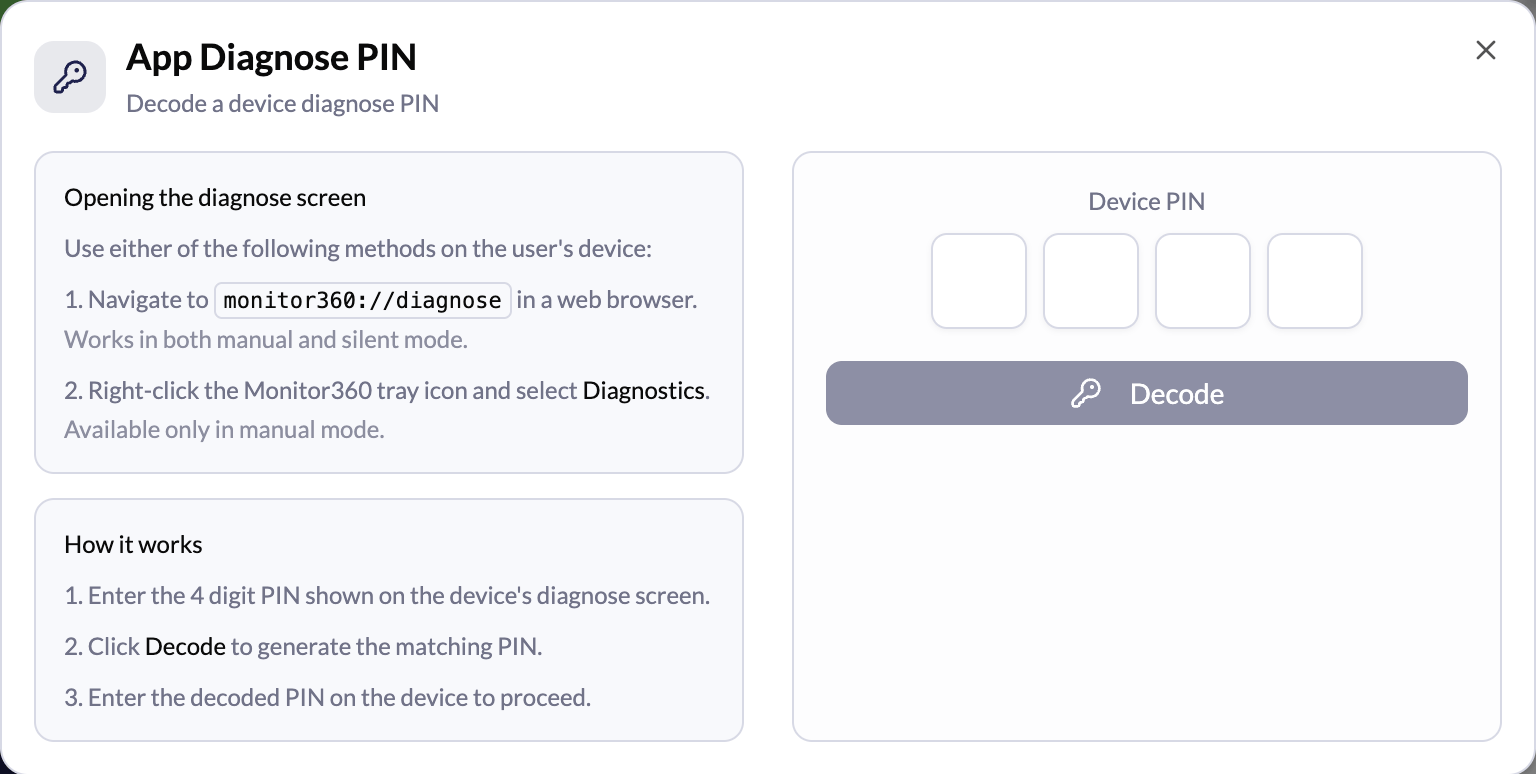
App Diagnose PIN
The desktop app’s diagnose screen is protected by a PIN, so employees cannot open it themselves. To unlock it:- On the device, open the diagnose screen in one of these ways. It shows a 4-digit Device PIN
- Open
monitor360://diagnosein a web browser (works in Silent and Manual mode) - Right-click the Monitor360 tray icon and select Diagnostics (Manual mode only)
- Open
- In the web console, open the profile menu and click App Diagnose PIN
- Enter the Device PIN and click Decode
- Enter the decoded PIN on the device to continue
If your plan has ended, admins see a Plan ended notice in the header.
Contact support to keep access.