Overview
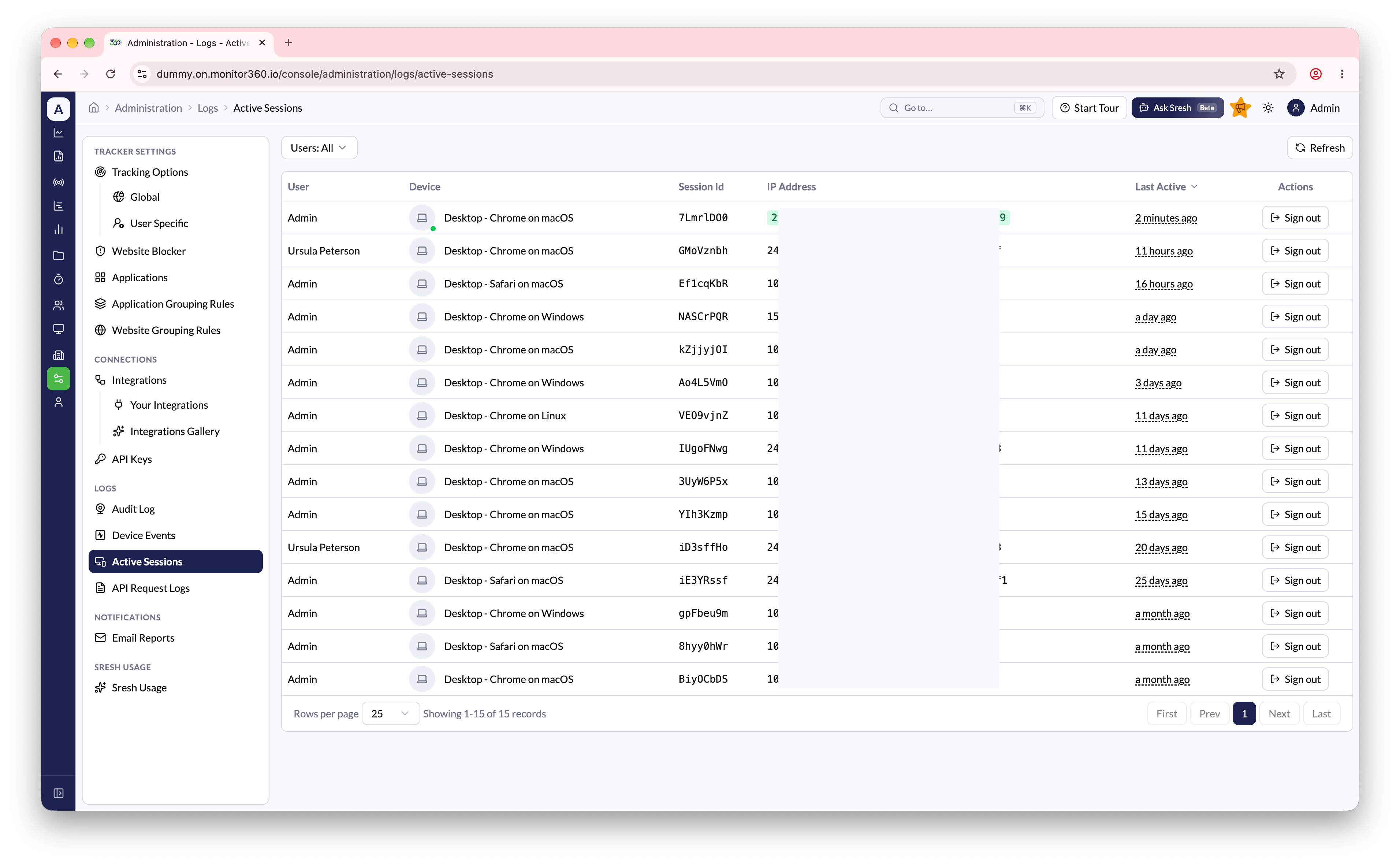
As a tenant admin, you can view all currently active sessions across every user in your organization from one place.- Navigate to Administration → Logs → Active Sessions
- Each row shows the user, device, session ID, IP address, and last active time
- Filter the list by user
- Use this view to audit sign-ins or spot unexpected access
- Sign a user out of a session remotely. The session is revoked immediately and the user must log in again