Overview
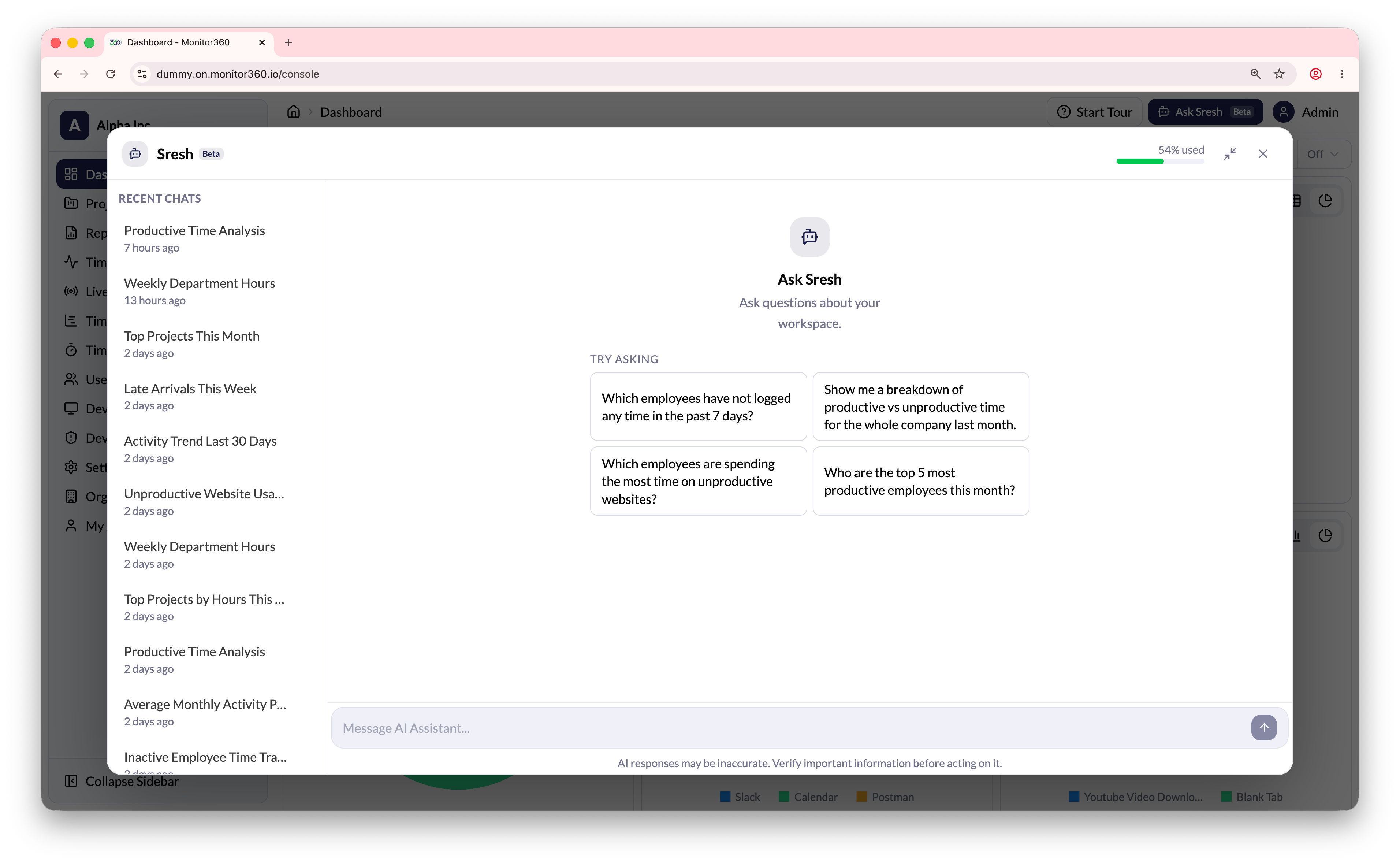
Sresh is the built-in AI agent of Monitor360 that helps the admin get quick answers about workspace data.Using Sresh
- Click Ask Sresh from the top-right side of the dashboard.
- Type a prompt in the message box to ask for required details.
- Sresh can answer questions related to employee activity, productivity, projects, attendance, and reports.
Features
- Suggested Questions - Sresh shows suggested prompts such as productivity trends, users not logged in, top projects, and company activity breakdown.
- Recent Chats - Previous conversations are listed on the left side, so the admin can revisit them at any time.