Overview
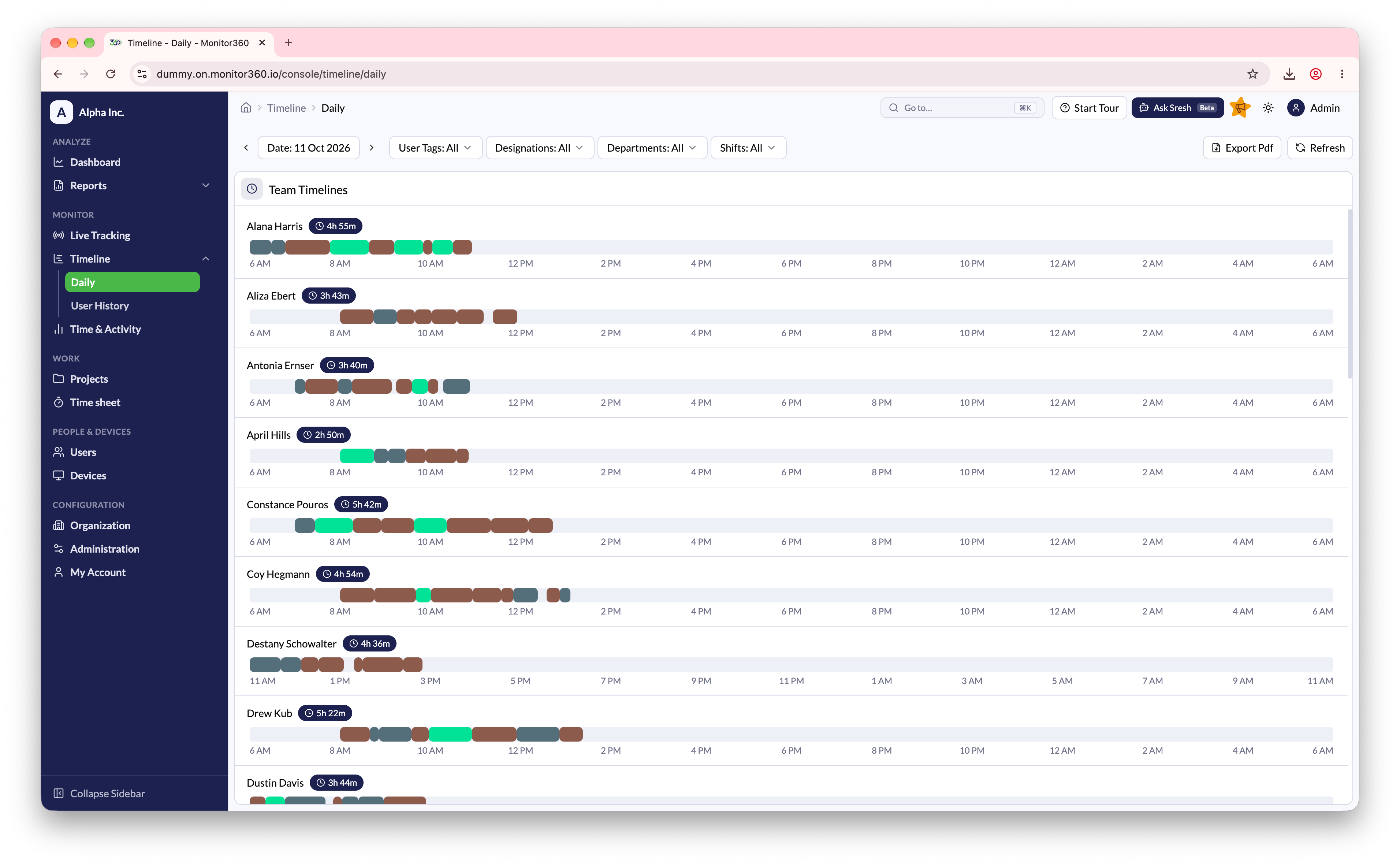
From Timeline → Daily, you can view the daily time sheet of all employees in a visual timeline format.How It Works
- Select a date to view activity for that day (defaults to today)
- Filter by user tags, designations, or departments to focus on a group
- Each employee is listed with a time-based activity bar
- Coloured blocks represent work sessions. Hover over a block to see its project and task
- Total worked time is shown next to each employee’s name
- Use Refresh to reload the latest data
Purpose
This view helps managers quickly understand employee working patterns and daily productivity at a glance.