Overview
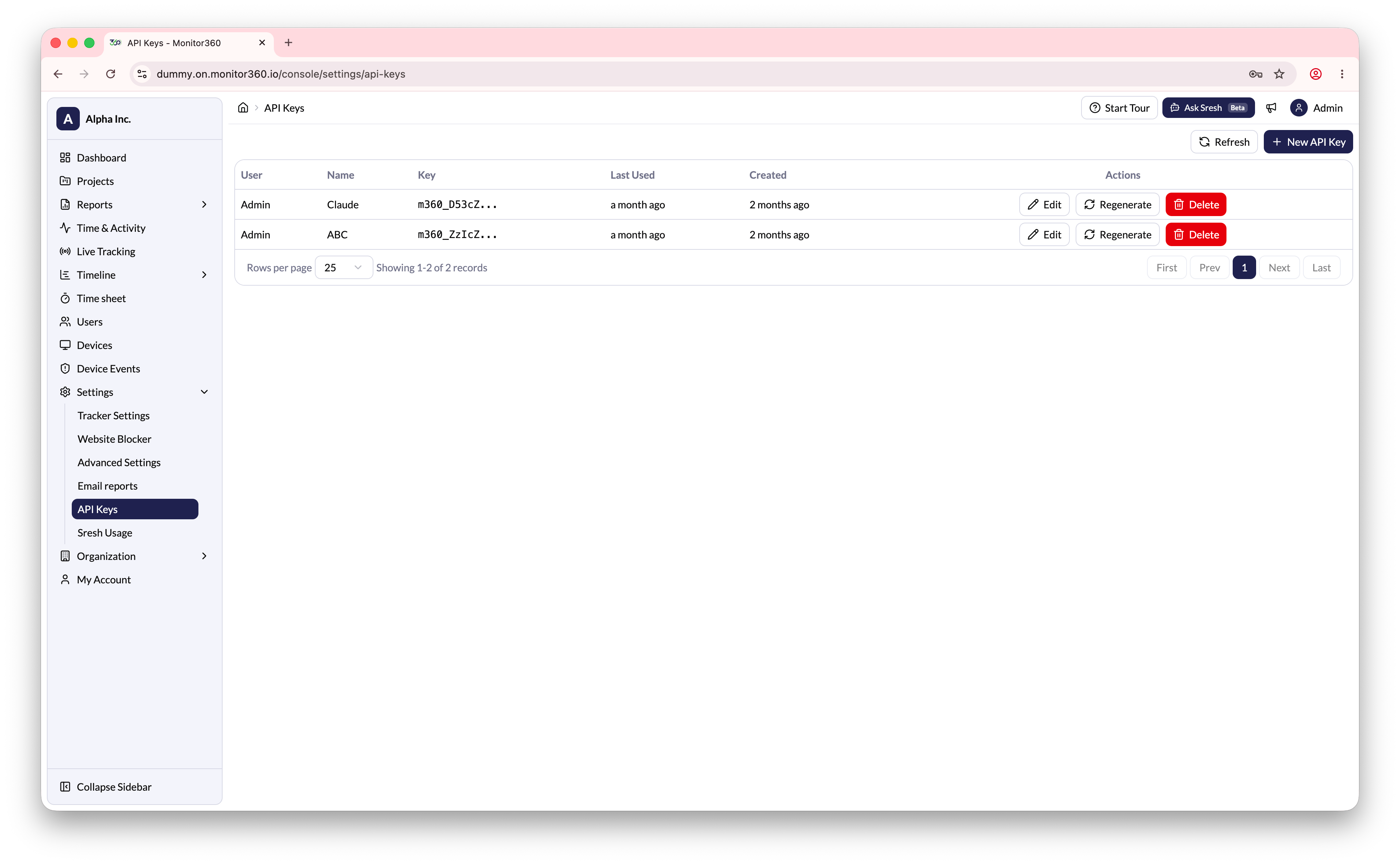
The API Keys section allows the admin to generate and manage API keys for use with Monitor360’s API.Creating a New API Key
- Go to Settings → API Keys
- Click + New API Key
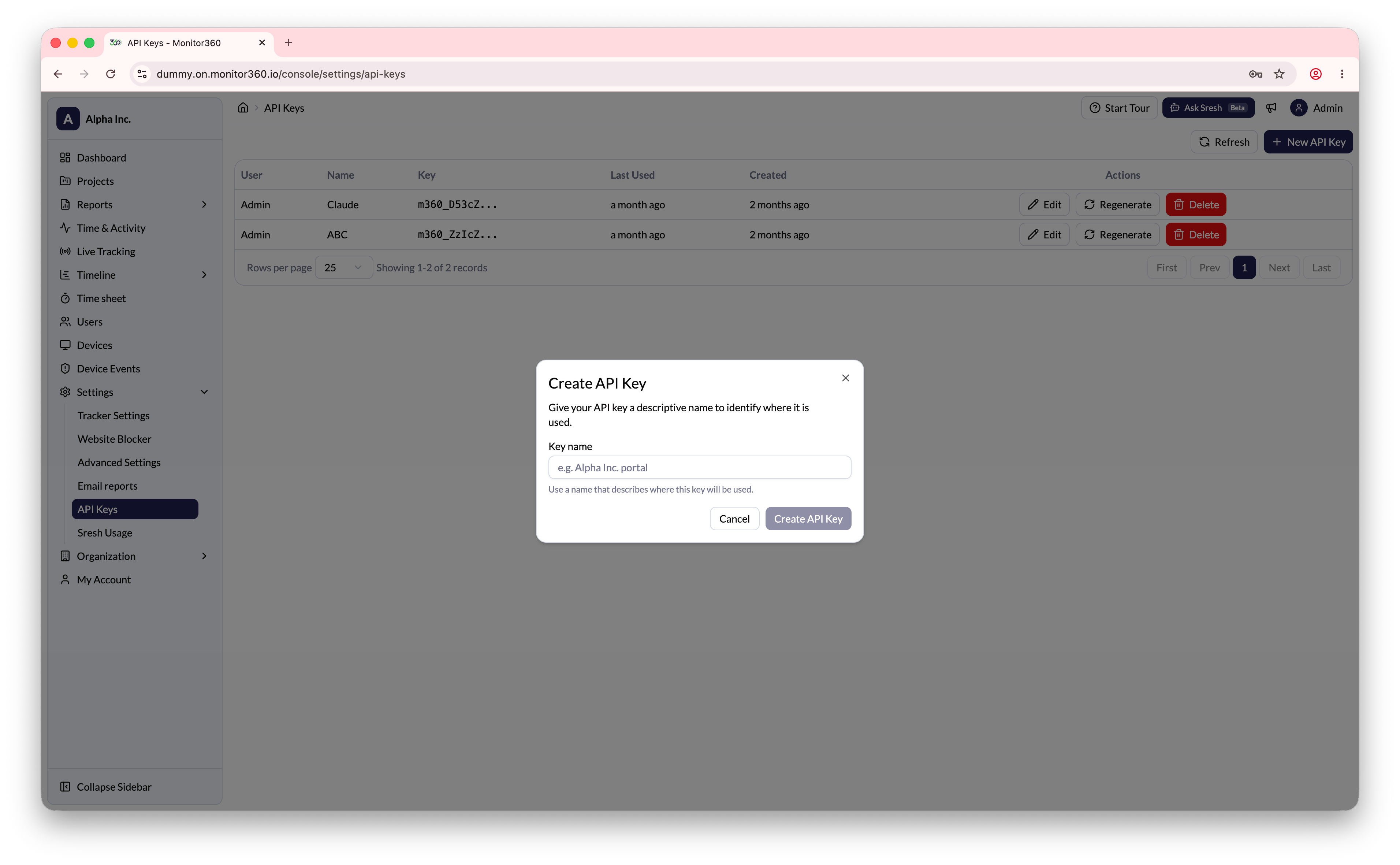
- Enter a descriptive name for the key
- Click Create
- Copy the API key immediately - it is shown only once and cannot be retrieved later
Managing Existing API Keys