About This View
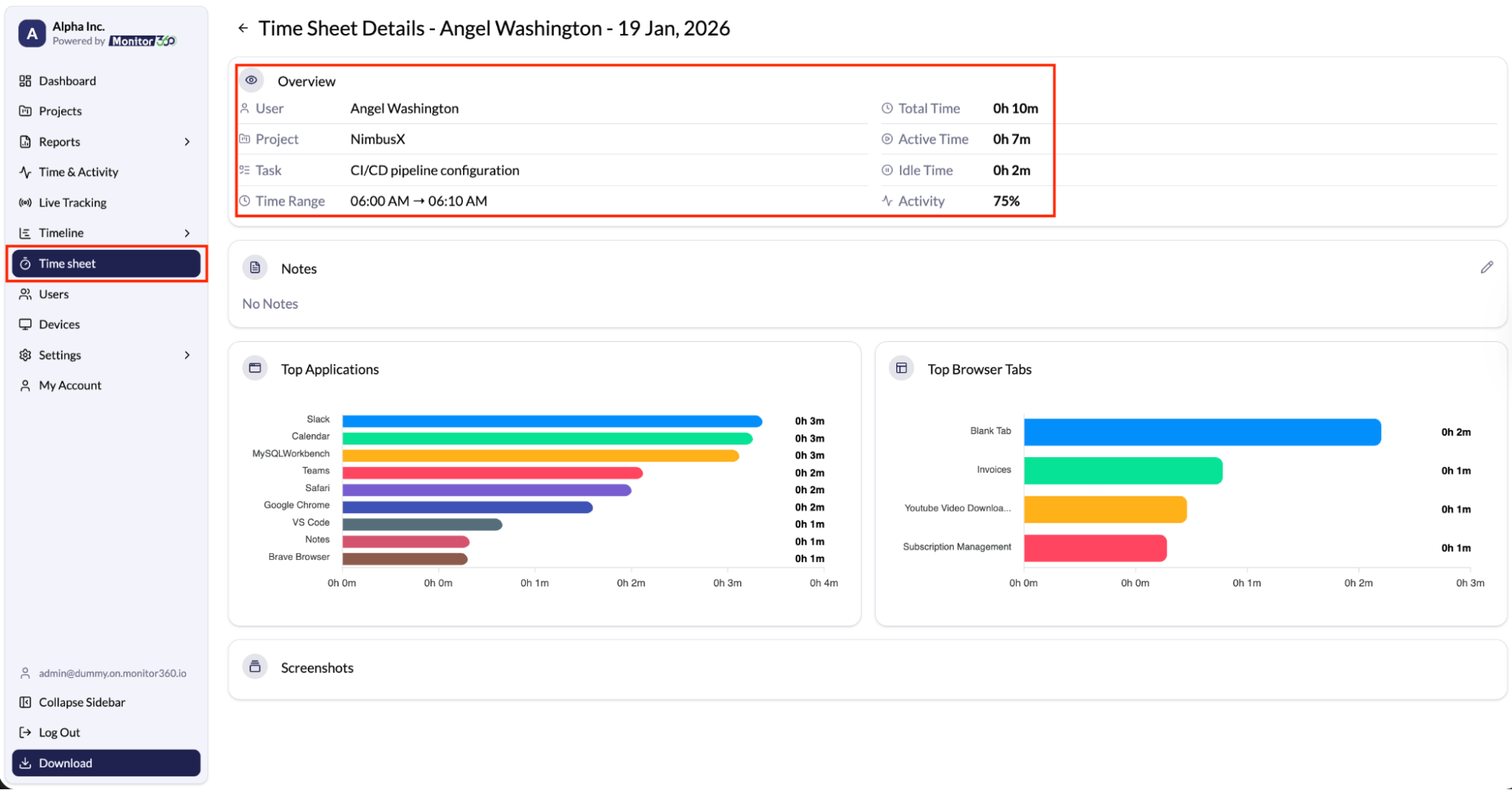
The View Details screen in the Time Sheet provides a detailed, user-level breakdown of work activity for a selected date.Information Displayed
An overview of the user’s project, task, and time range, along with key metrics such as:- Total Time - Overall time worked
- Active Time - Productive working time
- Idle Time - Inactive periods
- Activity Percentage - Productivity score
Additional Sections
Below the overview, admins and managers can review:- Notes added for the selected time entry
- Top Applications used during the work session
- Top Browser Tabs / Websites accessed
- Screenshots captured at defined intervals (if enabled)
Purpose
This view helps in understanding how the user spent their time, analysing productivity, and reviewing work patterns in detail.