> ## Documentation Index
> Fetch the complete documentation index at: https://docs.monitor360.io/llms.txt
> Use this file to discover all available pages before exploring further.
# Screenshot Timeout
> Set screenshot capture frequency
## What is Screenshot Timeout?
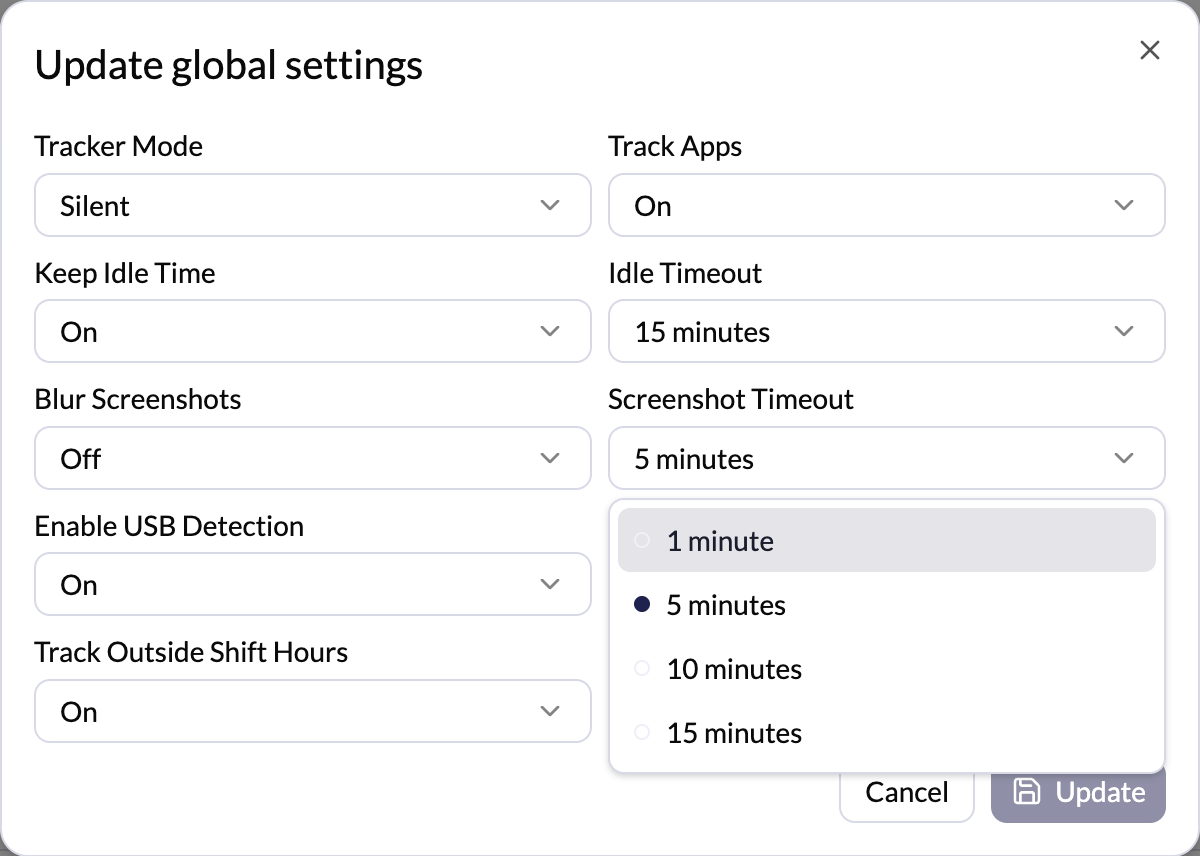
This setting controls **how often screenshots are taken** while the tracker is running.
## How It Works
* If 5 minutes is selected, the system takes **one screenshot every 5 minutes**
* Screenshots are captured **only when time tracking is active**
* **Use Global** follows the default company setting
## Common Intervals
* 1 minute PRO
* 5 minutes
* 10 minutes
* 15 minutes