> ## Documentation Index
> Fetch the complete documentation index at: https://docs.monitor360.io/llms.txt
> Use this file to discover all available pages before exploring further.
# Enable USB Detection
> Track USB device connections and disconnections on user systems
## Overview
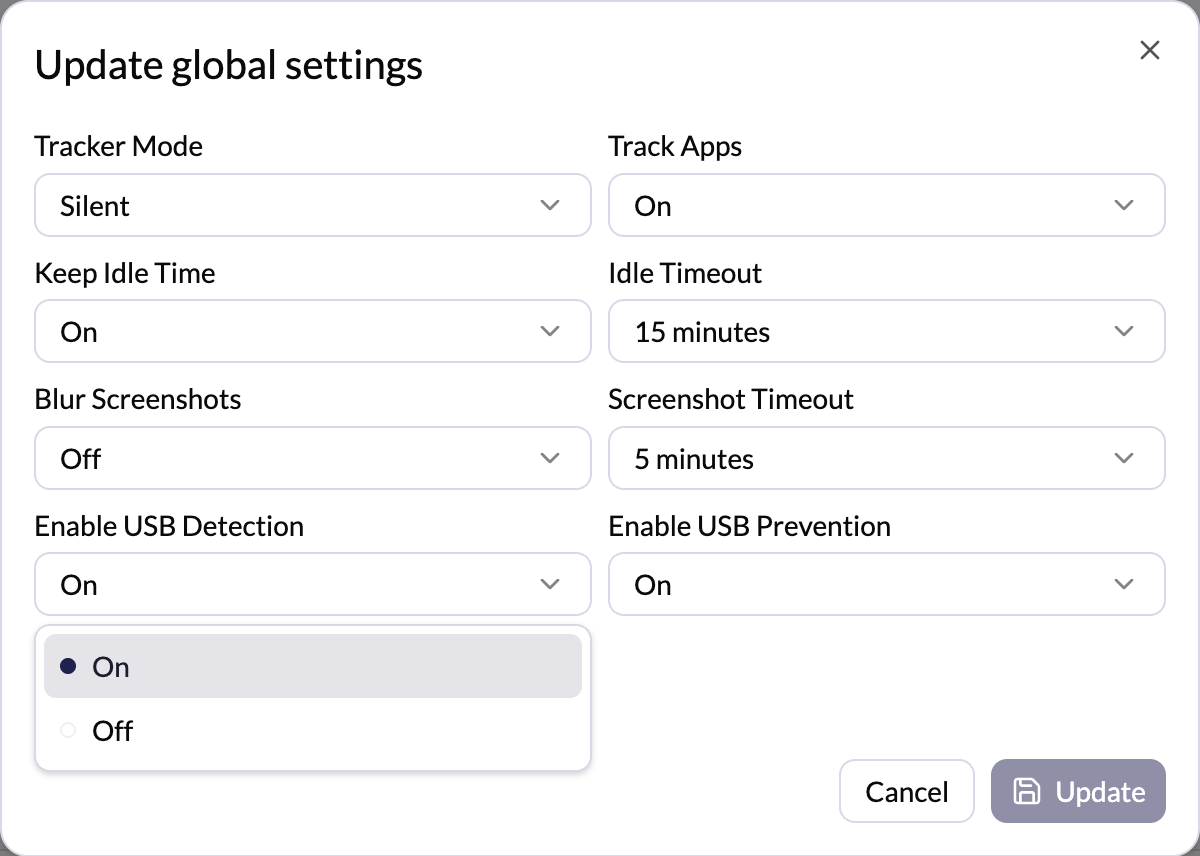
The **Enable USB Detection** setting controls whether the system detects USB device activity on the user's system.
## Options
* **On** - The system records USB-related activity whenever a USB device is connected or used
* **Off** - USB device connections are not detected or recorded
## How to Configure
1. Go to **Settings → Tracker Settings**
2. Click **Edit** in the Global Settings section (or click **Edit** next to a specific user for per-user settings)
3. Set **Enable USB Detection** to **On** or **Off**
4. Click **Update** to save
 USB detection events can be reviewed in the **Device Events** section. Event
types include USB Connected, USB Disconnected, and USB Blocked.
USB detection events can be reviewed in the **Device Events** section. Event
types include USB Connected, USB Disconnected, and USB Blocked.