> ## Documentation Index
> Fetch the complete documentation index at: https://docs.monitor360.io/llms.txt
> Use this file to discover all available pages before exploring further.
# Departments
> Create and manage departments in your organisation
## Overview
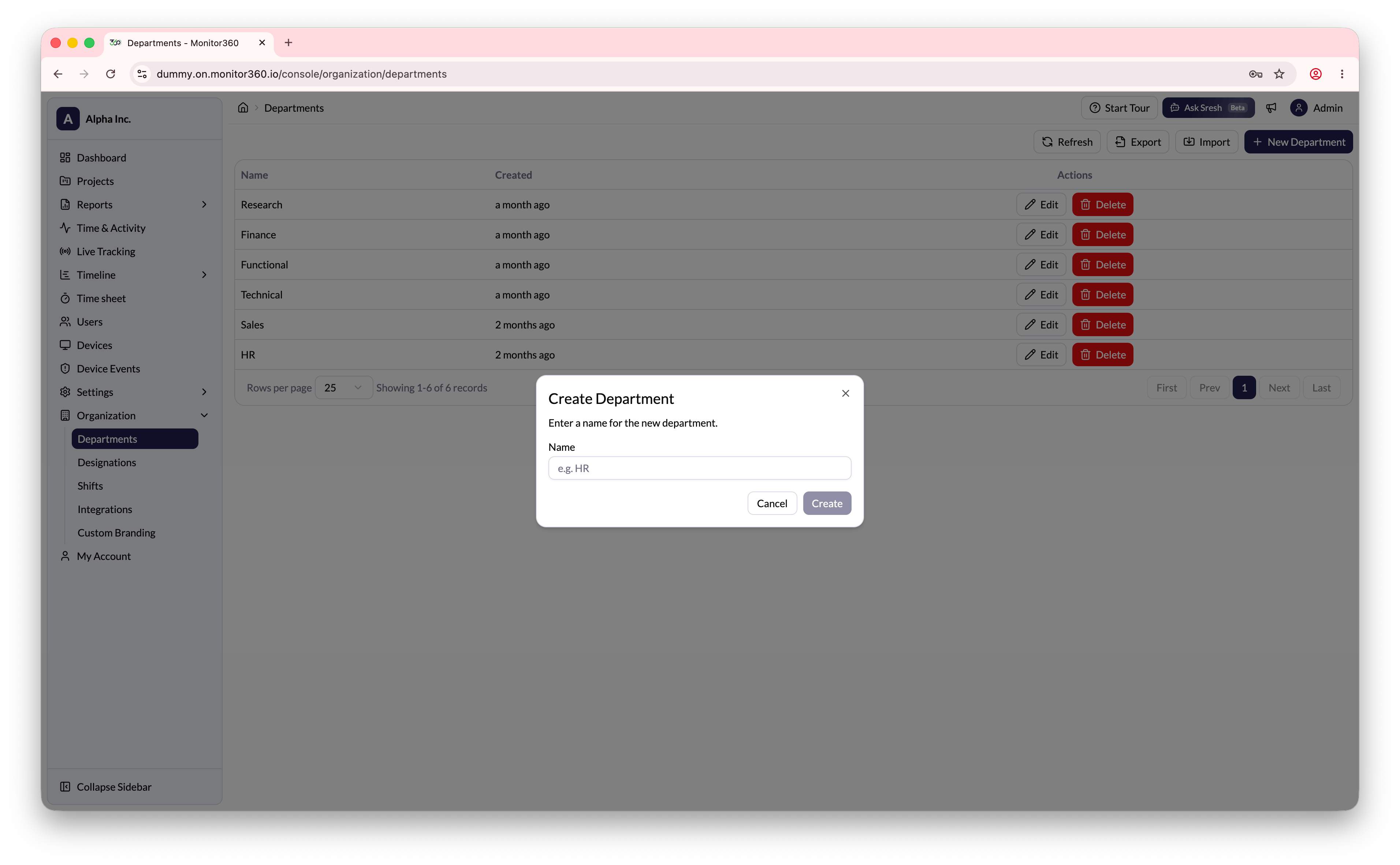
The **Departments** section allows the admin to create and manage departments. Users can then be assigned to the correct department when their accounts are created.
## How to Create a Department
1. Go to **Organization → Departments**
2. Click **+ New Department**
3. Enter the department name
4. Click **Create**
 ## Bulk Operations
* **Import** - Upload department records in bulk using a CSV file
* **Export** - Download the full department list
Create your departments before adding users so that users can be assigned to
the correct department during account setup.
## Bulk Operations
* **Import** - Upload department records in bulk using a CSV file
* **Export** - Download the full department list
Create your departments before adding users so that users can be assigned to
the correct department during account setup.