> ## Documentation Index
> Fetch the complete documentation index at: https://docs.monitor360.io/llms.txt
> Use this file to discover all available pages before exploring further.
# API Keys
> Generate and manage API keys for Monitor360 integrations
## Overview
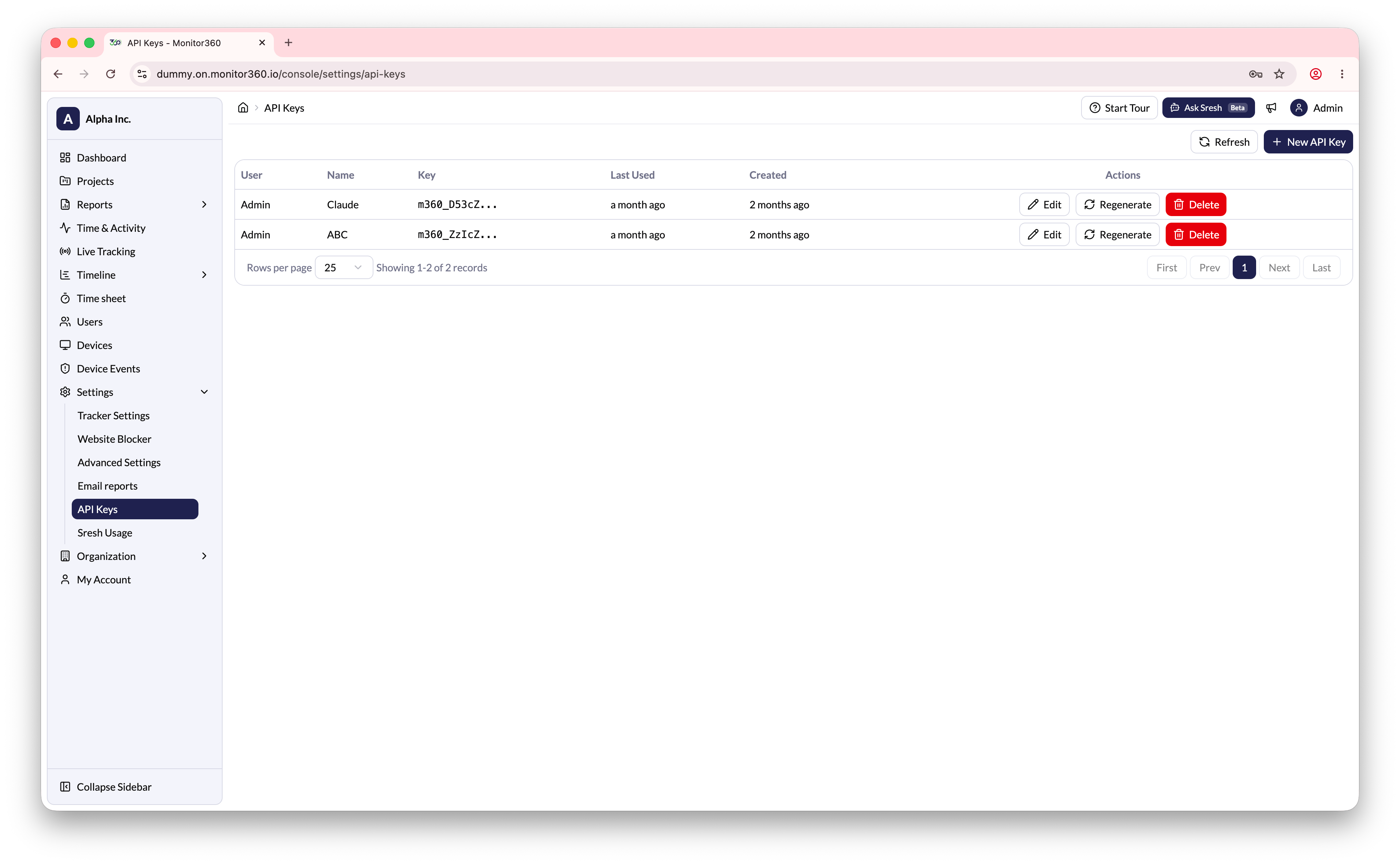
The **API Keys** section allows the admin to generate and manage API keys for use with Monitor360's API.
## Creating a New API Key
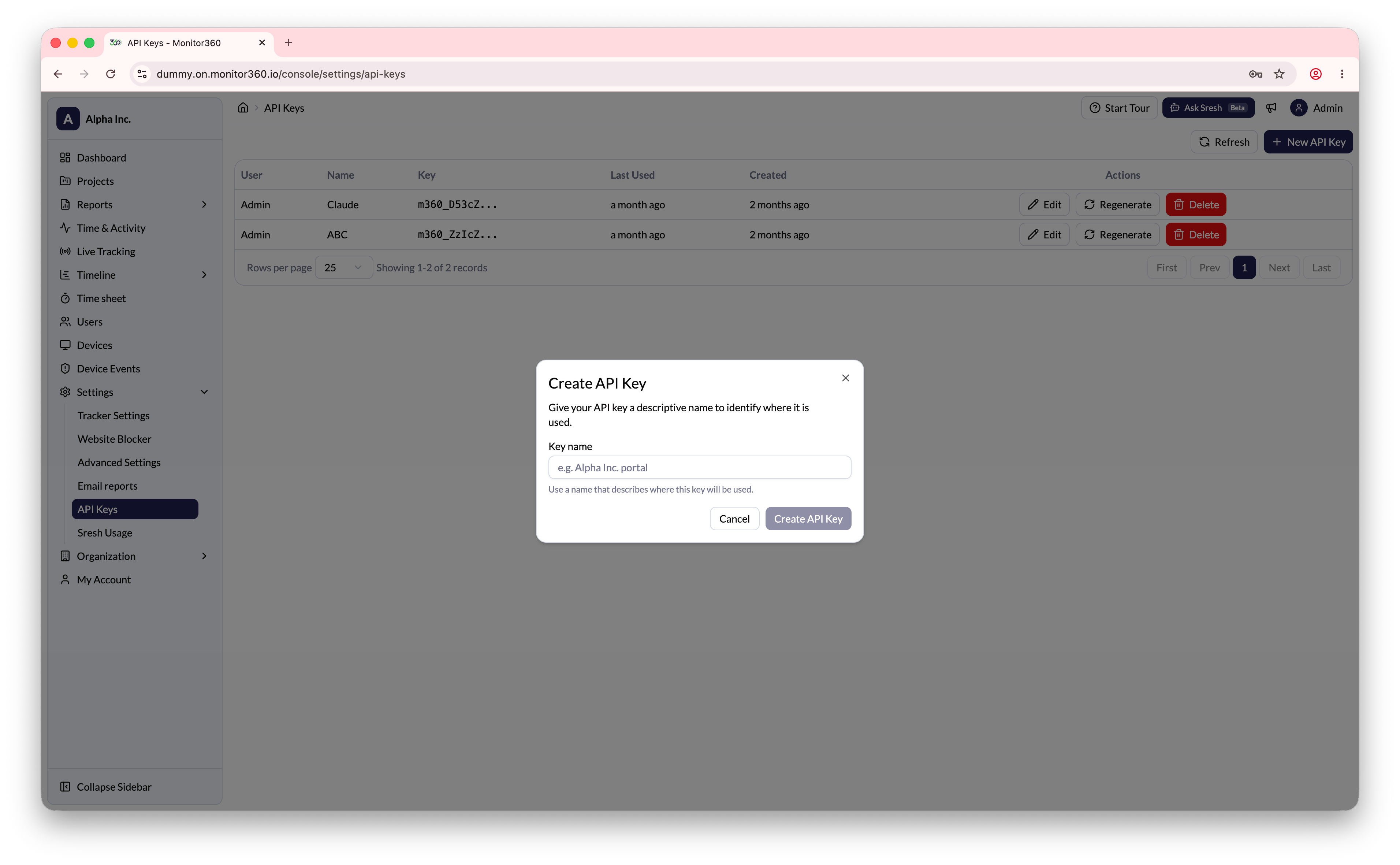
1. Go to **Settings → API Keys**
2. Click **+ New API Key**
3. Enter a descriptive name for the key
4. Click **Create**
5. **Copy the API key immediately** - it is shown only once and cannot be retrieved later
 The API key is visible only one time after creation. Copy it and store it
securely. If you lose it, you will need to regenerate it.
## Managing Existing API Keys
| Action | Description |
| -------------- | ----------------------------------------------------------------------------- |
| **Edit** | Update the name of an existing API key |
| **Regenerate** | Create a new key value for an existing record (the old key will stop working) |
| **Delete** | Remove an API key that is no longer required |
The API key is visible only one time after creation. Copy it and store it
securely. If you lose it, you will need to regenerate it.
## Managing Existing API Keys
| Action | Description |
| -------------- | ----------------------------------------------------------------------------- |
| **Edit** | Update the name of an existing API key |
| **Regenerate** | Create a new key value for an existing record (the old key will stop working) |
| **Delete** | Remove an API key that is no longer required |